1
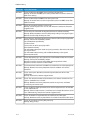
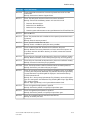
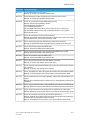
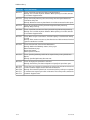
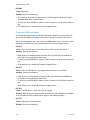
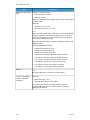
Standard Finisher Plus
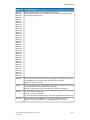
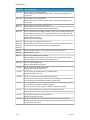
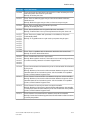
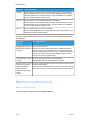
051-101
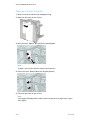
Cause: Paper jam
Remedy: Perform the following:
• Check for any obstructions or paper jams in the Finishing Module and Finishing
Transport paper paths and clear them.
• If necessary, power Off/On the machine, and if necessary, resend/restart your print
job.
• If the fault persists, contact the Customer Support Center.
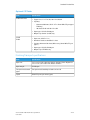
051-102
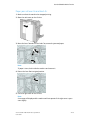
Cause: Paper jam
Remedy: Perform the following:
• Check for any obstructions or paper jams in the Finishing Module and Finishing
Transport paper paths and clear them.
• If necessary, power Off/On the machine, and if necessary, resend/restart your print
job.
• If the fault persists, contact the Customer Support Center.
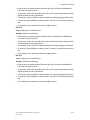
051-103
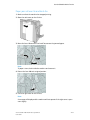
Cause: Paper jam
Remedy: Perform the following:
• Check for any obstructions or paper jams in the Finishing Module and Finishing
Transport paper paths and clear them.
• If necessary, power Off/On the machine, and if necessary, resend/restart your print
job.
• If the fault persists, contact the Customer Support Center.
051-104
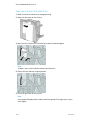
Cause: Paper jam
Remedy: Perform the following:
• Check for any obstructions or paper jams in the Finishing Module and Finishing
Transport paper paths and clear them.
• If necessary, power Off/On the machine, and if necessary, resend/restart your print
job.
• If the fault persists, contact the Customer Support Center.
051-105
Cause: Paper jam
Remedy: Perform the following:
• Check for any obstructions or paper jams in the Finishing Module and Finishing
Transport paper paths and clear them.
Xerox® D95/D110/D125/D136 Copier/Printer
User Guide
24-39