1
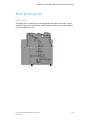
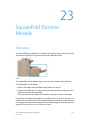
SquareFold Trimmer Module
Note
Always refer to the SquareFold Trimmer Module Hints and Tips section before using the
SquareFold Trimmer Module. The hints and tips section provides valuable information
about setting up your jobs, which in turn ensures the best possible output for your
print/copy jobs.
You may want to run one or more test prints/copies before running larger jobs.
Identifying the components
Main components
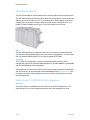
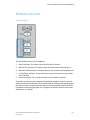
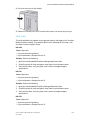
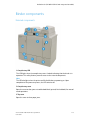
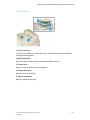
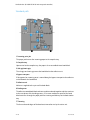
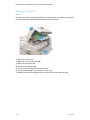
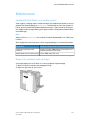
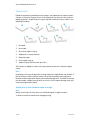
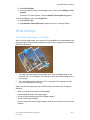
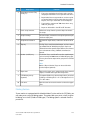
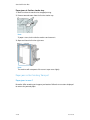
The main components consist of:
1.
2.
3.
4.
5.
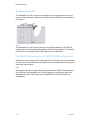
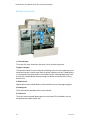
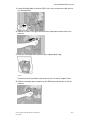
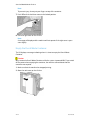
Top Left Cover: Open this cover to remove paper jams. The square fold mechanism
is found in this area.
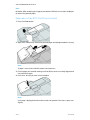
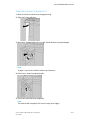
Top Right Cover: Open this cover to remove paper jams. The trimming mechanism
is found in this area.
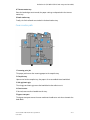
Booklet Output Tray: This tray receives square-fold booklet output from the finisher.
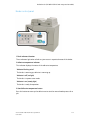
Control Panel: The Control Panel consists of a mimic display, buttons, and various
indicator lights.
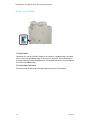
Trimmer Waste Container: Collects scrap/waste from the trimmer. Pull open to
remove and dispose of trimmer waste scraps.
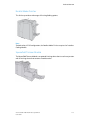
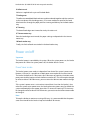
Note
The top covers cannot be opened during normal operation or when the machine is idle.
The covers can be opened only when an indicator is lit and a jam/fault occurs within the
SquareFold Trimmer Module.
23-2
User Guide