1
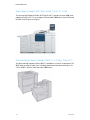
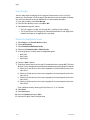
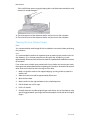
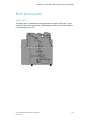
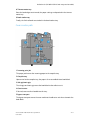
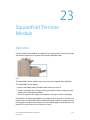
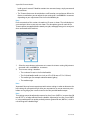
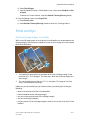
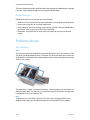
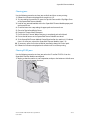
Standard/Booklet Maker Finisher
No.
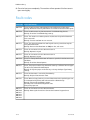
Component
Function
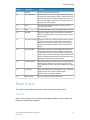
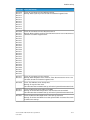
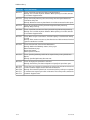
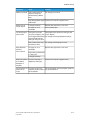
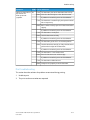
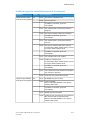
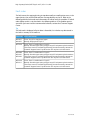
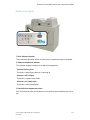
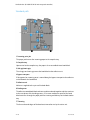
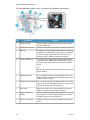
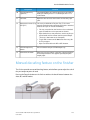
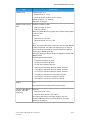
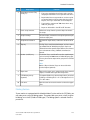
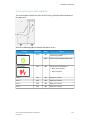
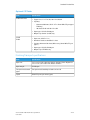
10
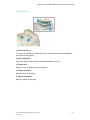
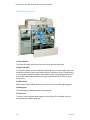
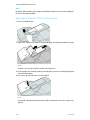
C/Z-Fold output tray
(optional)
The optional Folder tray receives copies when you select Cfolding or Z-folding of 8.5 x 11 in./A4 output and 11 x 17
in./A3 media.
11
Left cover.
Open this cover to access the machine and to clear paper
jams.
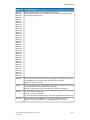
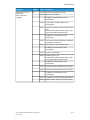
12
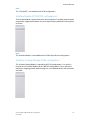
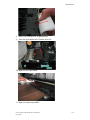
Post-process inserter (Tray This is tray is called either Tray 8 or Tray T1. Its name
8/Tray T1)
depends on which machine to which the finisher is attached.
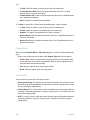
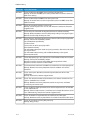
Features of Tray 8/T1 include the following:
• This tray is standard on this finisher and is used to load
paper that will be used as separators and covers.
• Paper loaded here is not printed on; use this tray for preprinted stock and for insertion into the printed output.
(This tray is also known as the Interposer).
• Tray 8 holds a maximum of 200 sheets when using 20
lb./75 gsm paper.
• Paper can be loaded in the LEF or SEF direction.
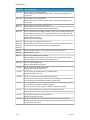
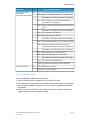
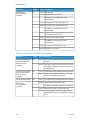
13
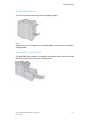
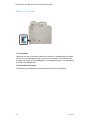
C/Z-Fold output tray
button
Press this button to open C/Z-Fold output tray.
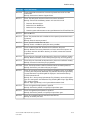
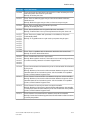
14
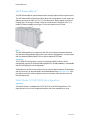
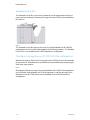
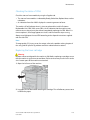
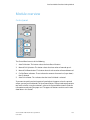
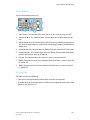
Manual decurl button
When you press this button, it activates a decurling feature
for the output material. This applies especially to lighter
weight paper.
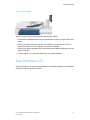
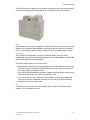
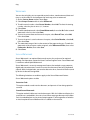
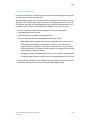
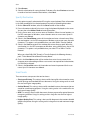
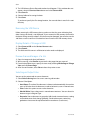
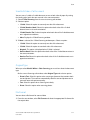
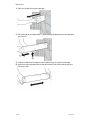
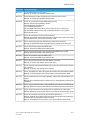
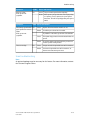
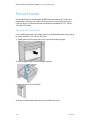
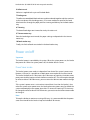
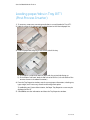
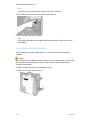
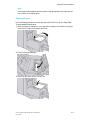
Manual decurling feature on the finisher
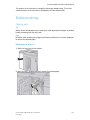
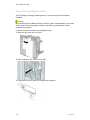
The finisher provides a manual decurling feature, which allows you to adjust the curl of
the print output at point of need.
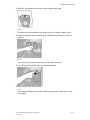
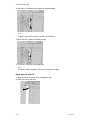
Pressing the Decurler button on the finisher switches the decurl feature between the
Auto, On, and Off modes.
Xerox® D95/D110/D125/D136 Copier/Printer
User Guide
22-3