1
Interface Module/Interface Cooling Module
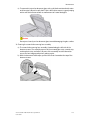
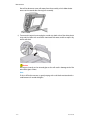
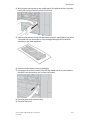
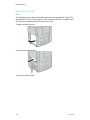
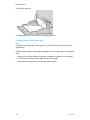
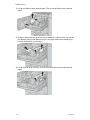
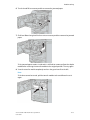
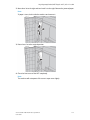
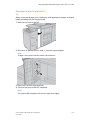
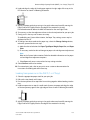
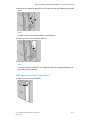
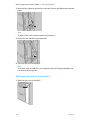
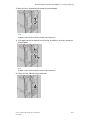
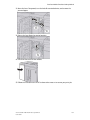
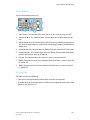
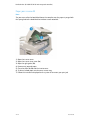
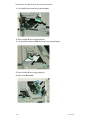
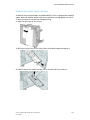
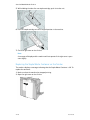
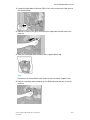
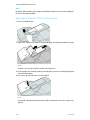
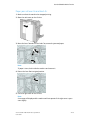
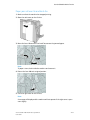
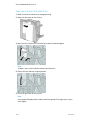
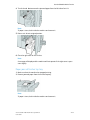
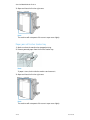
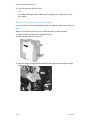
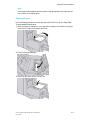
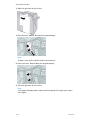
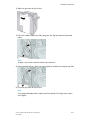
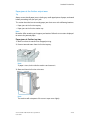
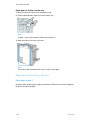
4. Close the front cover of the module.
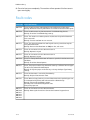
5. Follow the instructions on the UI to clear other areas or to resume your print job.
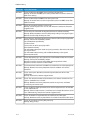
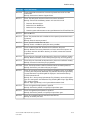
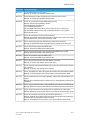
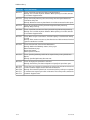
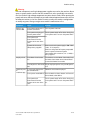
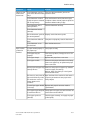
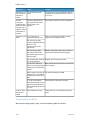
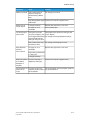
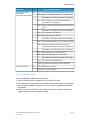
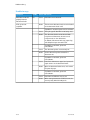
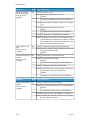
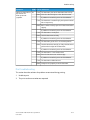
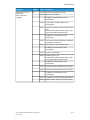
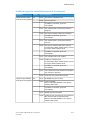
Fault codes
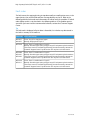
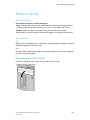
The fault code table lists problems and suggested solutions that apply to the Interface
Module/Interface Cooling. If the problem persists after following all instructions, call
your Xerox Customer Support Center.
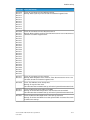
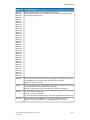
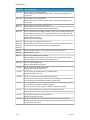
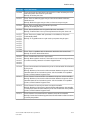
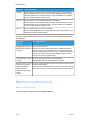
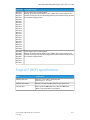
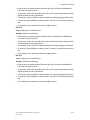
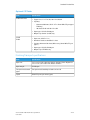
048-100
Cause: Paper jam:
• A jam occurred during feeding.
• A jam notification is displayed on the UI.
Remedy: Perform the following:
1.
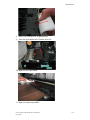
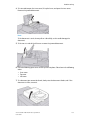
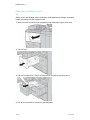
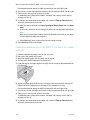
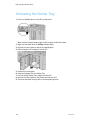
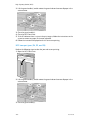
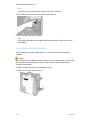
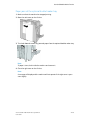
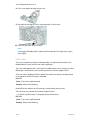
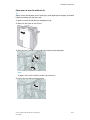
Open the Interface Module/Interface Cooling Module front door.
2.
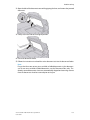
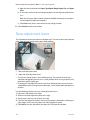
Carefully remove all sheets and paper scraps from the jam clearance areas.
3.
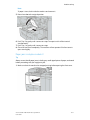
Close the front door. Verify the paper used is within the approved paper
specifications.
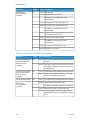
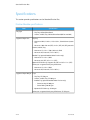
048-101
Cause: Paper jam:
• A jam occurred during feeding.
• A jam notification is displayed on the UI.
Remedy: Perform the following:
1.
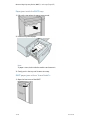
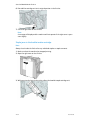
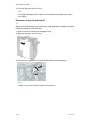
Open the Interface Module/Interface Cooling Module front door.
2.
Carefully remove all sheets and paper scraps from the jam clearance areas.
3.
Close the front door. Verify the paper used is within the approved paper
specifications.
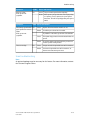
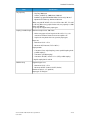
048-102
Cause: Paper jam:
• A jam occurred during feeding.
• A jam notification is displayed on the UI.
Xerox® D95/D110/D125/D136 Copier/Printer
User Guide
19-9