1
Steps for Implementing a Secure Configuration Flow
Page 11
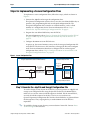
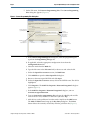
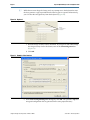
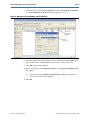
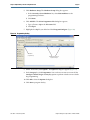
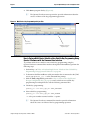
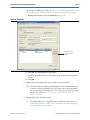
Select the Key Entry Method to enter the encryption key either with the on-screen
keypad or keyboard (Figure 8).
Figure 8. Key Entry Method
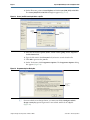
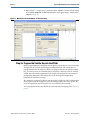
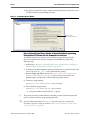
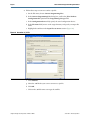
The on-screen keypad allows you to enter the keys using the keypad shown in
Figure 9. Select a key and click on the on-screen keypad to enter values. You have the
option of allowing the keys to be shown as they are entered; if this option is used, you
do not need to confirm the keys.
Figure 9. On-Screen Keypad
Enter the
encryption key from
the on-screen keypad
June 2012 Altera Corporation
Using the Design Security Features in Altera FPGAs