1
Page 30
Serial FlashLoader Support with Encryption Enabled
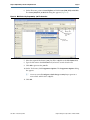
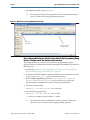
4. Follow these steps to convert a .sof to a .jic file:
a. On the File menu, choose Convert Programming Files.
b. In the Convert Programming Files dialog box, scroll to the JTAG Indirect
Configuration File (.jic) from the Programming file type field.
c. In the Configuration device field, specify the serial configuration device.
d. In the File name field, browse to the target directory and specify an output file
name.
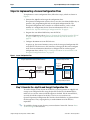
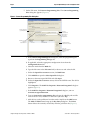
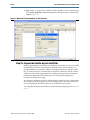
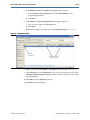
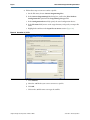
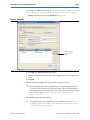
e. Highlight the .sof data in the Input files to convert section (Figure 24).
Figure 24. Generation of .jic File
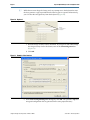
f. Click Add File.
g. Select the .sof file that you want to convert to a .jic file.
h. Click OK.
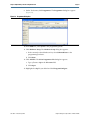
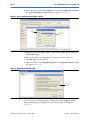
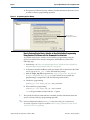
i. Click on the .sof file name to encrypt the .sof file.
Using the Design Security Features in Altera FPGAs
June 2012
Altera Corporation