1
3.18 Searching
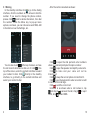
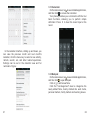
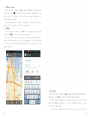
On the main screen, tap . to see installed applications,
and then click . to enter the search interface:
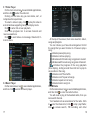
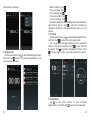
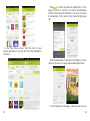
Clicking on the menu key on the main page, you can
refresh, close, save to bookmark, share web pages,
check settings, etc.
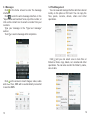
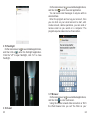
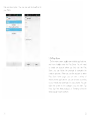
Enter the content you want to search, then click the
Search key, select the type of search you want, such
as web pages, contacts, etc:
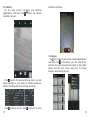
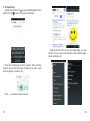
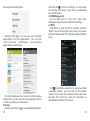
Click ... , to see the search results:
27
28