1
Wireless Network Hardware Installation Overview
Ad-Hoc Network
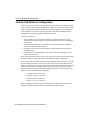
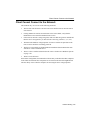
The following is an overview of the steps to install the wireless clients in an ad-hoc
network.
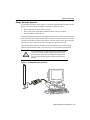
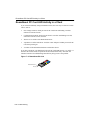
1. Create wireless clients by installing the RoamAbout PC Card into the appropriate
computers. Refer to the RoamAbout PC Card documentation.
2. If installing the RoamAbout Client Utility (recommended), follow the installation
procedure in the “RoamAbout Client Utility” section on page 4-6.
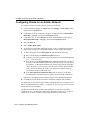
3. Configure the wireless clients, as described in the “Configuring Clients for an Ad-Hoc
Network” section on page 5-18.
3-10 Designing and Implementing a Wireless Network