1
Nitro Pro 9 - User Guide
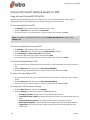
Insert pages
Nitro Pro 9 enables you to combine pages from multiple PDFs into a single file. When inserting pages, you
can choose whether to insert an entire document or just a range of its pages.
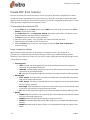
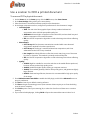
To insert pages into a PDF:
1.
2.
3.
4.
On the Edit tab, in the Pages group, click Insert
In the Open dialog, select the document to insert
Click Open
In the Insert Pages dialog, select from the available page range options, and specify where the
pages should be placed within your file
5. Click Insert
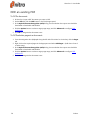
NOTE: You can drag a PDF file from Windows Explorer straight into the Pages Pane to insert it at an
exact position among the pages of your PDF file
226
©Nitro