1
Nitro Pro 9 - User Guide
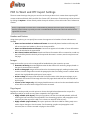
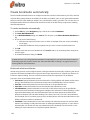
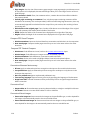
Create web links from URLs
To make weblinks active:
Create keyword links automatically
To create keyword links:
Bookmarks
To view bookmarks in a PDF file:
Configure a PDF document so it opens with the Bookmarks pane
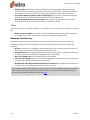
View and use bookmarks
To open the Bookmarks pane:
To increase or decrease the font size displayed in the Bookmarks pane:
Create a bookmark
To add a bookmark to a PDF document:
To turn a heading or text into a bookmark:
Create bookmarks automatically
To create bookmarks automatically:
Bookmark selection attributes
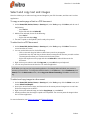
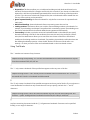
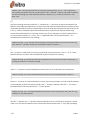
Using Text Masks
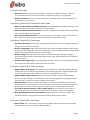
.
^
$
[]
[^]
\
*
+
?
()
|
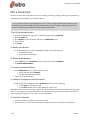
Edit a bookmark
To set the bookmark action:
To delete a bookmark:
To delete all bookmarks:
To rename a bookmark label:
To change the appearance of bookmarks:
To reorder bookmarks:
To group or nest bookmarks:
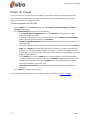
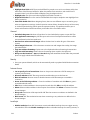
Security
Password-based security
Certificate-based security
To view the security in a file:
Permission settings
Password security
Methods to secure a PDF file with password security
To manage password security:
To apply password security with a specific profile:
Certificate security
Methods to secure a PDF file with certificate security
To manage certificate security:
xi
184
184
185
185
186
186
186
187
187
187
188
188
188
189
189
189
190
190
190
190
190
191
191
191
191
191
192
192
193
193
193
193
193
193
193
194
195
195
195
195
196
197
197
197
197
198
198
198
©Nitro