1
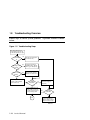
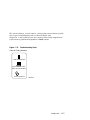
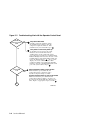
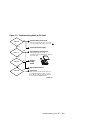
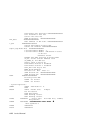
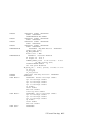
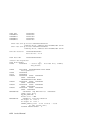
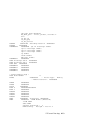
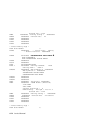
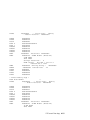
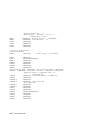
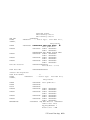
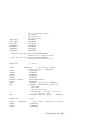
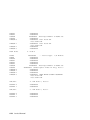
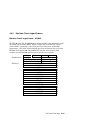
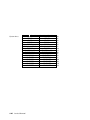
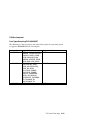
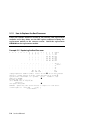
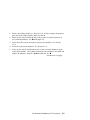
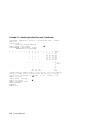
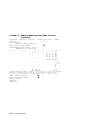
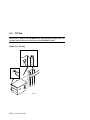
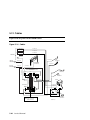
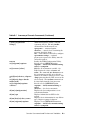
Figure 2-2
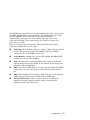
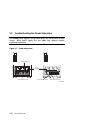
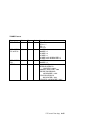
Troubleshooting: Start with the Operator Control Panel
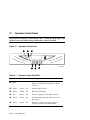
On/Off
button/ keyswitch
is Off
Yes
1
No
2
Fault LED
is lit
3
Yes
No
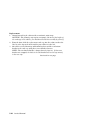
Fix problem identified.
If a faulty component or firmware update
was identified as the problem, replace the
component or update the firmware. If the
problem has not yet been identified, go to 2
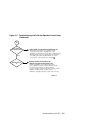
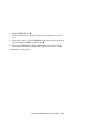
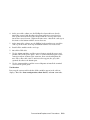
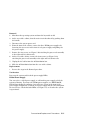
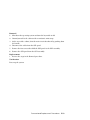
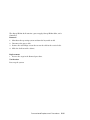
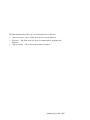
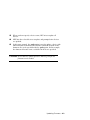
Turn power on and watch power-up.
As 48-VDC power is passed to the system,
initial tests are run on the CPU, memory,
and I/O adapters on the system. If the system
passes this power-up testing, the green Run and On
LEDs should light. If it does not, look at the console
terminal display to pinpoint the failing module and
replace the module. Repeat 2 . ( If no console
display, the console terminal may be a TGA
(graphics) terminal, connected through a PCI bus.
Connect a character-cell terminal through the serial
port on the system cabinet. Repeat 2
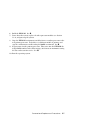
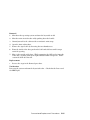
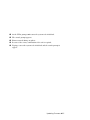
Some component failed system self-test.
If Run and On are green, Fault is lit, and
system self-tests have completed, replace
any failed component and proceed with 2
System clock and CPUs are not synchronized.
If Run is off and On is green, Fault is lit, and
system self-test did not complete, check to see if
the system clock and the CPUs have different cycle
times. Replace as appropriate and proceed with 2
A
SM22-99
2-4
Service Manual