1
Installation and Configuration
Step 3. Installing the Agilent E7501A Software
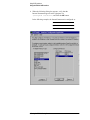
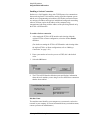
g. Reboot the Windows NT computer and VXI mainframe so that
changes take effect.
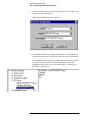
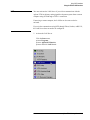
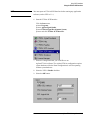
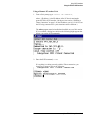
h. Run the program Resman [VXI Resource Manager] and verify that
the Slot 0 module being used is found.
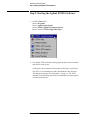
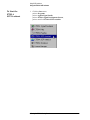
Resman is available from the Windows NT Start task bar by
selecting:
Start/Programs/National Instruments VXI/Resman.
Agilent E7501A Getting Started 1-9