1
3
Using SCPI Interfaces
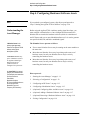
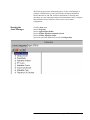
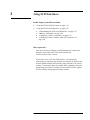
In this chapter, you will learn about:
•
•
“Using the E7501A SCPI Assistant” on page 3-19
“Using the E7501A SCPI Interface” on page 3-27
“Understanding the E7501A SCPI Interface” on page 3-27
“Making a Connection” on page 3-28
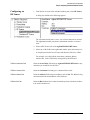
“Configuring a VXI-11 Connection” on page 3-29
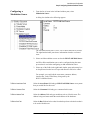
“Configuring a Telnet, Sockets, or RS-232 Connection” on
page 3-40
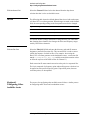
How to proceed…
First, after you have decided to use SCPI commands to control your
hardware, select either the E7501A SCPI assistant, the
E7501A SCPI interface, or both.
If you select to use a E7501A SCPI interface, you must select a
connection type and follow the directions for setting it up. When ready,
become familiar with the SCPI interface panels and each of its various
sections. To learn more about all available SCPI commands, refer to the
Online Help system that is available from the main GUI of the Agilent
E7501A arbitrary analog signal developer software.
Agilent E7501A Getting Started 3-17