1
4
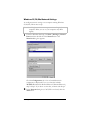
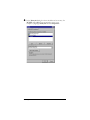
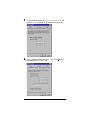
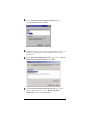
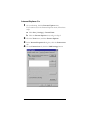
In the Select Network Component Type dialog box,
highlight Protocol and click Add.
5
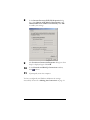
If prompted at this point, or later in the procedure, insert your
Windows operating system CD and follow the on-screen
instructions.
6
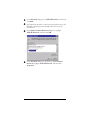
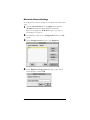
In the Select Network Protocol dialog box, click to highlight
Internet Protocol (TCP/IP) and click OK.
7
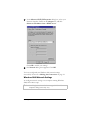
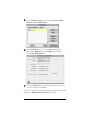
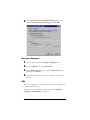
The Local Area Connection Properties dialog box from
Step 3 is displayed. Click to select Internet Protocol
(TCP/IP), and then click Properties.
Installing Your Cable Modem
17