1
Ubee Interactive
Using the Local Log Option
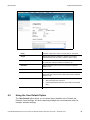
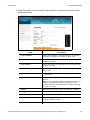
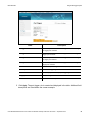
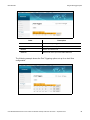
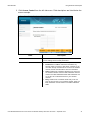
Label
7.2
Description
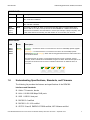
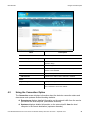
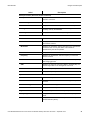
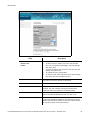
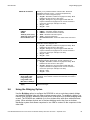
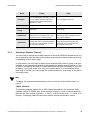
IPv4 Firewall Protection
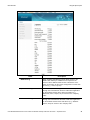
Defines the level of protection. Choices are Off, Low, Medium,
and High. Services are based on the protection level and
displayed in the Allowed Services window.
Port Scan Detection
When enabled, detects port scans that probe for available
ports and potentially use these ports to detect weakness in the
network.
Optimize for XBOX
When enabled, this feature stabilizes and improves video
streaming.
Apply
Saves changes.
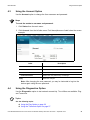
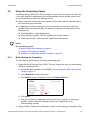
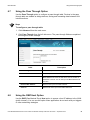
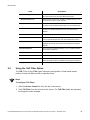
Using the Local Log Option
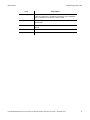
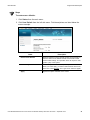
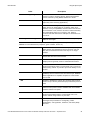
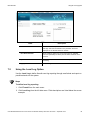
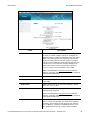
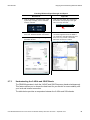
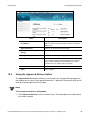
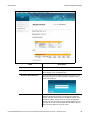
Use the Local Log to define firewall event log reporting through email alerts and report on
possible attacks on the system.
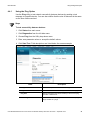
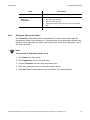
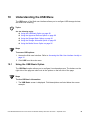
Steps
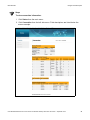
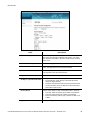
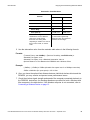
To define local log reporting:
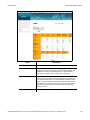
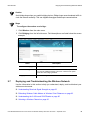
1. Click Firewall from the main menu.
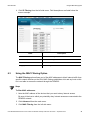
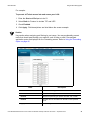
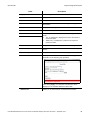
2. Click Local Log from the left side menu. Field descriptions are listed below the screen
example.
Ubee DDW366 Dual-Band Concurrent Advanced Wireless Gateway Subscriber User Guide • September 2014
57