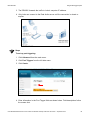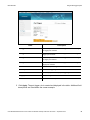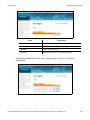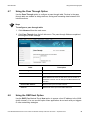
1
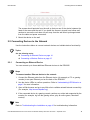
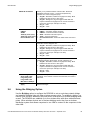
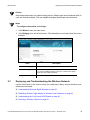
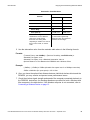
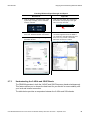
Ubee Interactive Connecting Devices to the Network The screws should protrude from the wall so that you can fit the device between the head of the screw and the wall. If you install the screws in drywall, use hollow wall anchors to ensure the unit does not pull away from the wall due to prolonged strain from the cable and power connectors. 2. Mount the device on the wall. 2.2 Connecting Devices to the Network Use the instructions below to connect network devices and validate device functionality. Topics See the following topics: Connecting an Ethernet Device on page 14 Connecting a Wireless Device on page 15 2.2.1 Connecting an Ethernet Device You can connect up to three additional Ethernet devices to the DDW366. Steps To connect another Ethernet device to the network: 1. Connect the Ethernet cable from the Ethernet device (for example, a PC or gaming console) to an open Ethernet port on the back of the DDW366. 2. Use the device LEDs to confirm operations. Refer to Understanding LED Behavior on page 5 for more information. 3. Open a Web browser and go to any Web site to validate network/Internet connectivity (for example, http://www.wikipedia.org). 4. If the connected device is a gaming console, perform any online task supported by the console (for example, log into the gaming server, play an online game, download content). Note Refer to Troubleshooting the Installation on page 16 for troubleshooting information. Ubee DDW366 Dual-Band Concurrent Advanced Wireless Gateway Subscriber User Guide • September 2014 14