1
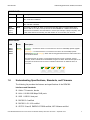
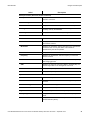
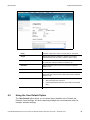
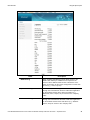
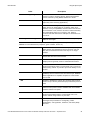
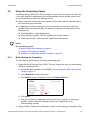
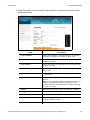
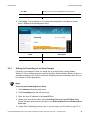
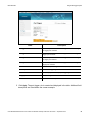
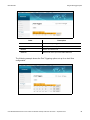
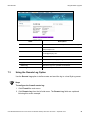
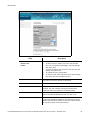
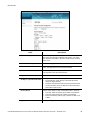
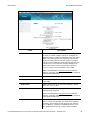
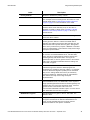
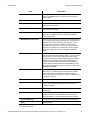
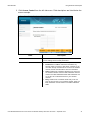
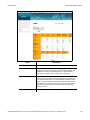
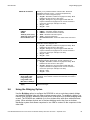
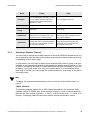
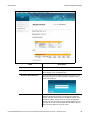
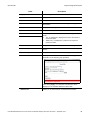
Ubee Interactive Label Description Add New Policy Adds a new policy. Enter a policy name in the field next to Add New Policy, and click the Add New Policy button. The policy then becomes selectable in the Time Access Policy List drop down menu. Time Access Policy List Lists the existing policies in a drop-down menu. Enabled Activates a policy. Select the policy from the Time Access Policy List drop-down menu and check Enabled. Remove Deletes a policy. Select the policy from the Time Access Policy List drop-down menu and click Remove. Days to Block Allows you to select the days to block Internet access. Time to Block: All Day or a specific time frame Allows you to define the times of day to block. To block all day, check All Day to eliminate all access during the days selected. To define a specific time frame to block Internet access for the days selected, enter the Start time and the End time. Select AM or PM for each. Ports to Block Defines a port range to block if the Enabled box is checked. Port Start: Enter the starting port number to be blocked. Port End: Enter ending port number to be blocked. Protocol: Select the protocol type. Options are UDP, TCP, or Both. Apply Saves all changes when clicked. Ubee DDW366 Dual-Band Concurrent Advanced Wireless Gateway Subscriber User Guide • September 2014 65