1
Alcatel Speed Touch™ PC
Installation Guide
DIAGNOSTIC TOOLS
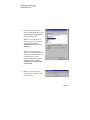
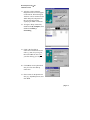
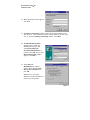
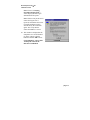
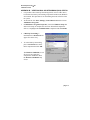
The diagnostic tools allow the user to monitor the ADSL connectivity,
setup the service connection address, and run diagnostic tests. The
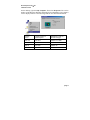
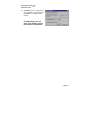
Diagnostic Tools icon is displayed on the task bar as shown.
Maximum transfer rate
Maximum receiving rate
By positioning the mouse cursor over the icon, a summary of the ADSL
connection status is displayed e.g. upstream and downstream line rates.
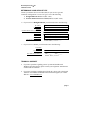
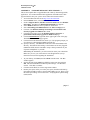
The Diagnostic Tools icon consists of two lights side by side. The left light
indicates data is being transmitted whereas the right light indicates data is
being received. The state of the connection can be determined as follows:
Color Code
Description
Red, Red
No ADSL connection and No ADSL handshaking.
Check your cable connections.
Black/Yellow or Yellow/Black
flashing
ADSL handshaking – Connection not established.
Precursor to establishing an ADSL connecting.
Black, Black
ADSL connection established – no data traffic or idle
connection
Black, Green
ADSL connection established – NIC is receiving data
(TX/off, RX/on)
Green, Black
ADSL connection established – NIC is transmitting data
(TX/on, RX/off)
Green, Green
ADSL connection established – NIC is transmitting and
receiving data (TX/on, RX/on)
∅
NIC is disconnected or a driver problem exists. Try
using Connect command in Diagnostic Tools. If
persists, restart the PC system and last resort reload the
drivers.
page 36