1
MicroMate User's Guide
Section 4
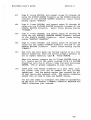
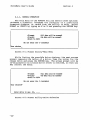
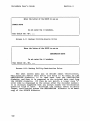
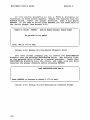
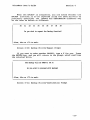
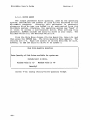
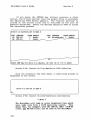
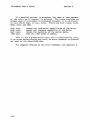
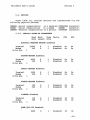
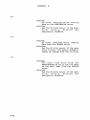
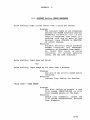
If the source diskette is not a TYPE A diskette or
formatted, an error screen appears. Remove the diskette from the
SOURCE drive, insert the proper diskette, type Y and press
RETURN. If you type an R and press RETURN, you are taken back to
the verify prompt (See Screen: 4-9.)
Unable to verify
Do
SOURCE
disk as Double Density, Double Sided
you wish to try again?
Screen 4-12: Backup Utility-Source Diskette Error
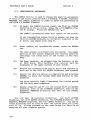
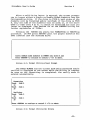
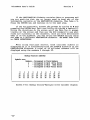
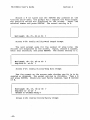
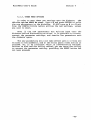
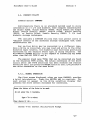
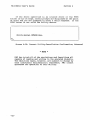
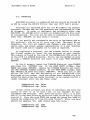
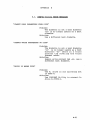
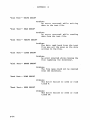
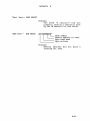
The next screen prompts you to insert the DESTINATION
diskette into the selected DESTINATION drive. The activity light
on the selected drive blinks as a helpful reminder. Insert your
DESTINATION diskette into the drive, and make sure you have
inserted the proper diskette before pressing RETURN.
----------------------
Press
<~
------,
load
DESTINATION DISK into A:
to continue or control C <AC> to exit.
Screen 4-13: Backup Utility-Destination Diskette Prompt
-32-