1
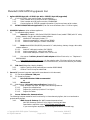
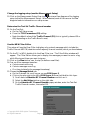
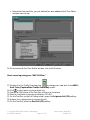
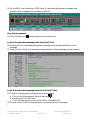
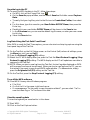
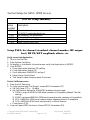
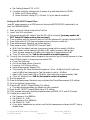
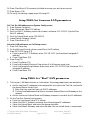
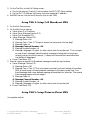
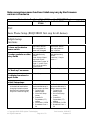
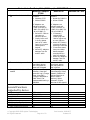
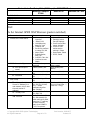
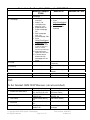
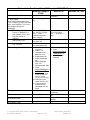
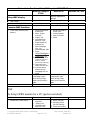
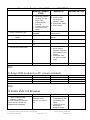
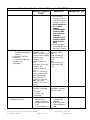
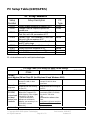
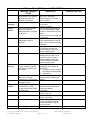
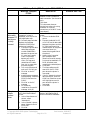
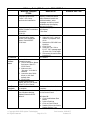
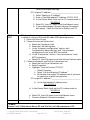
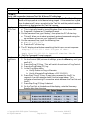
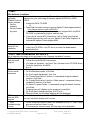
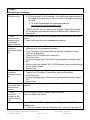
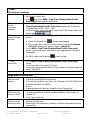
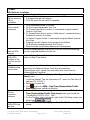
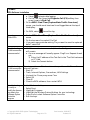
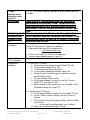
3. On the Test Set, on the Call Setup screen: a. On the left column (Control), find and select the DUT PDP Setup softkey b. On the DUT IP Address field, enter the other assigned IP address 4. Add DNS server instructions (future for http to real LAN) 6HWXS76*6HWXS&HOO%URDGFDVW606 1. On the Call Setup screen 2. On the left Control column a. Select More (1 of 2) softkey b. Select Short Message Service (F5) c. Select Cell Broadcast (F2) d. Select Message 1 Setup (F2) 1) Message State = On 2) Message Text = Text 1 (“The quick brown fox jumps over the lazy dog”) 3) Message Code = 0 4) Message Channel Number = 10 5) Message Update Number = 0 6) Message Language = English (or other choice from list as desired). This is simply an over-the-air message indicating what language is being sent to the phone, normally set by the phone’s owner. (It does not translate the transmitted text into different languages). e. Press Close Menu (F6) 3. Now let’s setup a second Cell Broadcast message to send during the demo a. Select Message 2 Setup (F3) 1) Message State = Off 2) Message Text = Text 2 (“This instrument provides functional testing of broadcast SMS by sending up to three broadcast messages to the device under test. Two fixed messages and a user defined message are available for selection. The second fixed message spans multiple pages.”) 3) Message Code = 0 4) Message Channel Number = 20 5) Message Update Number = 0 6) Message Language = English (or other choice from list as desired) b. Press Close Menu (F6) 6HWXS76*6HWXS3RLQWWR3RLQW606 (Incomplete section) Copyright 2001-2003 Agilent Technologies. Page 36 of 73 All Rights Reserved. Part Number: 1000-1877 Release 1.2