1
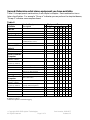
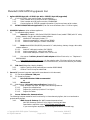
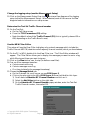
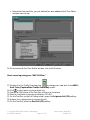
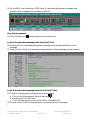
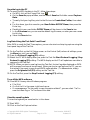
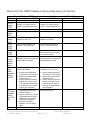
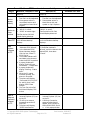
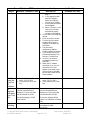
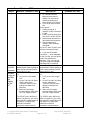
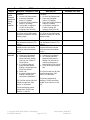
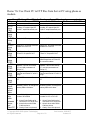
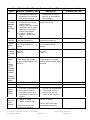
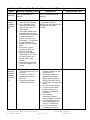
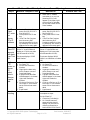
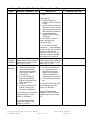
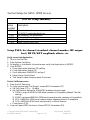
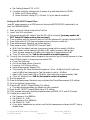
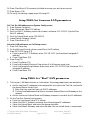
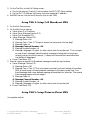
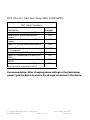
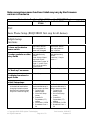
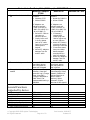
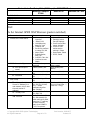
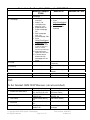
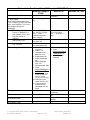
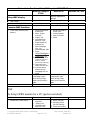
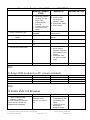
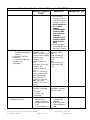
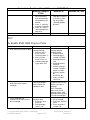
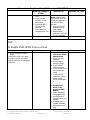
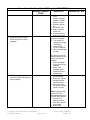
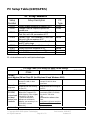
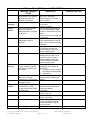
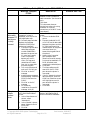
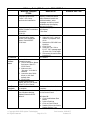
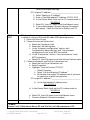
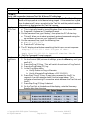
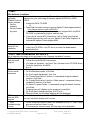
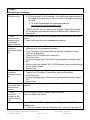
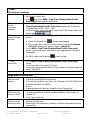
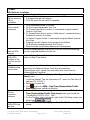
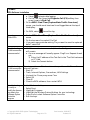
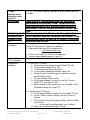
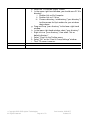
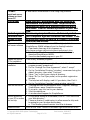
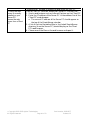
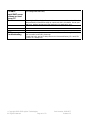
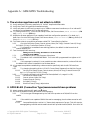
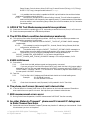
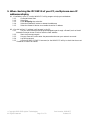
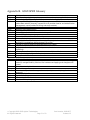
Device Under Test Setup Table (DG Steps) for GMS/GPRS Devices Motorola Timeport Nokia 6310i Siemens S45 / S46 P7389i sent to phone, first will scroll across, then automatically be replaced by the second. 3. Press “C” (red) key to delete a message. 4. Press “# >” key to read message from beginning 3. Message cannot be read again unless it is re-sent by Test Set with higher “Message Update Number” DG7: To Enable SMS GSM Point-to-Point 1. 2. Turn on the device Turn on the phone Turn on the phone GSM SMS point-to-point setup Menu, Messages, Message Settings 1. Service Centre, Enter Service Centre Number: 1 2. Expiry Period, Enter Hours: 24 3. Outgoing Message Type, select Text 3. Phone receives and reads GSM SMS point-to-point messages Menu, Messages, Received Messages, scroll to select the message to read 4. Phone generates and transmits GSM SMS point-topoint messages Menu, Messages, Message Editor 1. Enter text, then press OK 2. Send Message; Select? / OK Menu, Messages, Message settings, Sending profile 1. Default profile 2. Message centre number: 5555555 3. Messages sent as: Text 4. Message validity: 24 hours 5. Default recipient number: 1234567; Options; Accept 6. Delivery reports: No 7. Use GPRS: No 8. Reply via same centre: No When you see an envelope symbol on the display, you have a message; Menu, Messages, Inbox, scroll to the message, Select, read message (select Options to Erase the message) 1. Menu, Messages 2. Write message 3. Enter text, Options, Send 4. Enter any phone number, OK Copyright 2001-2003 Agilent Technologies. Page 46 of 73 All Rights Reserved. Part Number: 1000-1877 Release 1.2