1
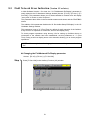
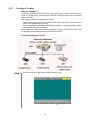
Enabling extension functions by the teach pendant
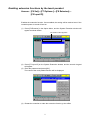
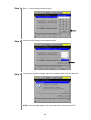
Access: [F6 Set]—[F7 Options.]—[F8 Extnsion]—
[F5 Input ID]
Enables the extension function. Once enabled, the setting will be retained even if the
controller power is turned off and on.
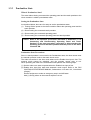
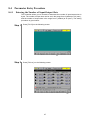
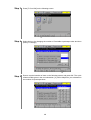
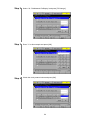
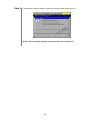
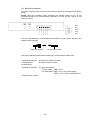
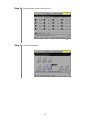
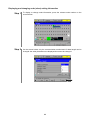
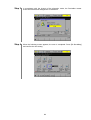
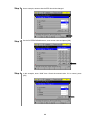
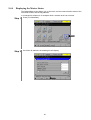
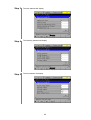
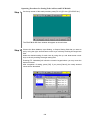
(1) Press [F8 Extnsion] in the Option Menu, and the System Extension window will
appear as shown below.
The serial number appears.
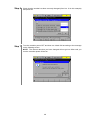
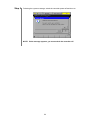
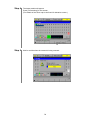
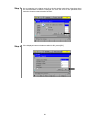
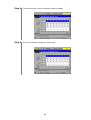
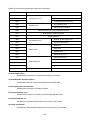
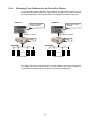
(2) Press [F5 Input ID] on the System Extension window, and the numeric keypad
will appear.
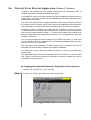
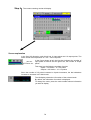
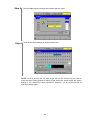
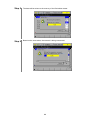
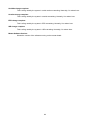
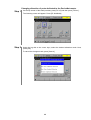
(3) Enter the password and press [OK].
The name of the newly added function will be displayed.
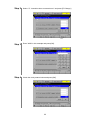
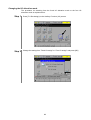
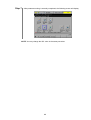
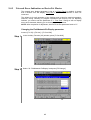
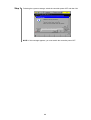
(4) Restart the controller to make the extension function go into effect.
ii