1
15_FIRMWARE.fm
1 ページ 2005年11月18日 金曜日 午後7時25分
[15] FIRMWARE DOWNLOAD
PROCEDURES
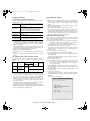
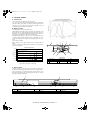
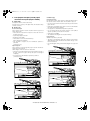
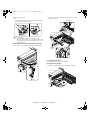
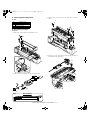
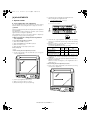
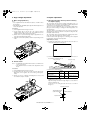
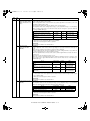
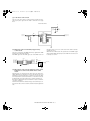
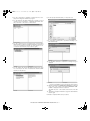
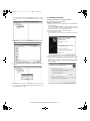
2) Select "Option" → "Serial Number Setting" on the menu bar.
[Preparation]
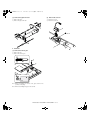
Write the download data (extension .dwl) into the main unit.
A USB port is required for the PC.
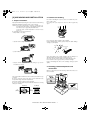
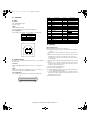
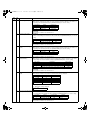
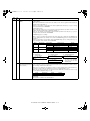
Create "MaintenanceTool " folder in the PC, and copy the following
files to the folder.
Necessary for program download
• Maintenance.exe (← Tool program)
• ProcModelB.mdl
• ProcModelC.mdl
• ProcModelE.fmt
• ProcModelE.ini
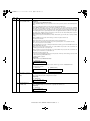
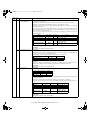
3) Set the serial number according to the following.
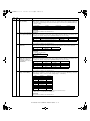
• ProcModelE.mdl
Driver
• Drivers/2kXP/Mainte.inf (For Windows XP/2000)
• Drivers/Win9xME/Mainte.inf (For Windows Me/98SE)
• Drivers/Win9xME/UsbScan.sys (For Windows Me/98SE)
Download file
• Download file (extension .dwl)
Note: Copy the download data file (extension .dwl) to the folder in
which the maintenance program is included.
When making a folder for the maintenance tool in the PC, do not
put a long folder name in the absolute path.
[Example]
Erroneous case: c:\Mainte nance Tool Download
Proper case:
c:\MaintenanceTool
1. Initial setting
(Serial number setting procedures)
The serial number is set to the PC which is used for downloading. Setting is required once only, and there is no need to set again when
rebooting the program.
Note: This setting is required only when downloading the default data
of E2PROM, and is not required when downloading firmware
only.
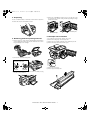
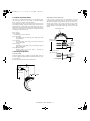
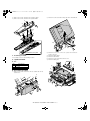
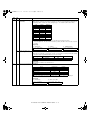
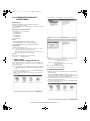
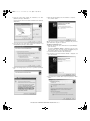
1) PC side: Boot "Maintenance.exe" and select "AR-168/M150/M155
series" in the "Select Model" menu.
(Only to set the serial number, the PC should not be connected to
the machine.)
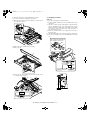
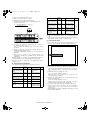
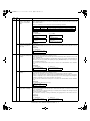
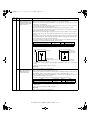
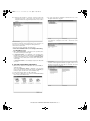
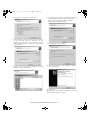
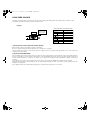
Product Code (P): Enter number (0 – 99)
Enter the product code of “3.”
ID Code(I):
Enter number (0 – 99)
Assign an individual code to each PC uses
“Maintenance.exe.”
After completion setting, press [OK] key.
4) The serial number has been assigned.
2. Download procedures
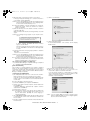
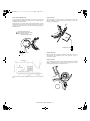
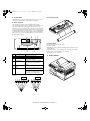
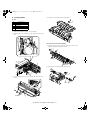
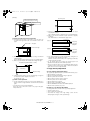
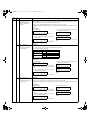
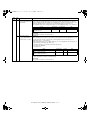
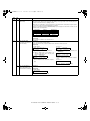
1) Main unit side: Execute Test command No. 49-01 (Flash ROM program write mode).
Check that "DOWNLOAD MODE" is displayed on the LCD of the
operation panel. (Press and hold [CA] key and [DOWN] key (left
key) together, and turn on the power simultaneously.)
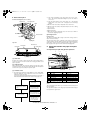
2) Connect machine and the PC with a USB cable. (Connect it to the
USB port on the main unit without fail.
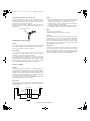
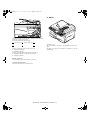
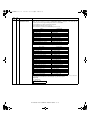
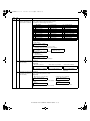
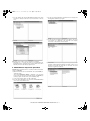
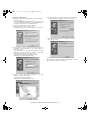
3) PC side: Boost "Maintenance.exe" and select "AR-168/M150/M155
series" in the Select Model menu.
AR-168N/168L FIRMWARE DOWNLOAD PROCEDURES 15 - 1