1
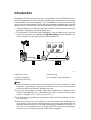
Installing DeskTopBinder V2 Lite
Uninstalling
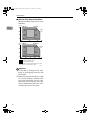
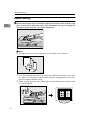
Even if you uninstall DeskTopBinder V2 Lite, the document location folder
(usually the PL folder within the RDCab folder) will not be deleted. The document section files will not be erased and the document location folder will remain.
2
Note
❒ Even if you uninstall DeskTopBinder V2 Lite, Job Binding and ScanRouter
V2 Link will not be uninstalled. To uninstall, select in step E.
❒ In client computers where only DeskTopBinder V2 Lite is installed, after uninstallation RDCab can be deleted without a problem. However, if in the same
computer, ScanRouter V2 for example is installed, do not delete RDCab. If
you want to delete the DeskTopBinder V2 Lite data, delete the PL folder in
the RDCab folder.
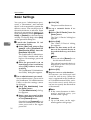
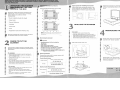
A Start Windows.
B Click [Start], and then point to [Configuration].
C Click [Control Panel].
D Double-click [Add/Delete Application].
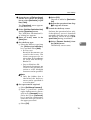
E Select [DeskTopBinder V2 Lite].
F Click [Add/Delete] or [Change/Delete].
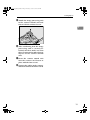
G Click [Delete] on the screen that appears, and then click [Next].
A confirmation dialog box appears.
H Click [OK].
6