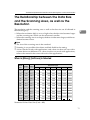
1
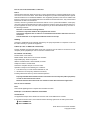
When the Indicators Show an Error Reading
When the Indicators Show an Error Reading
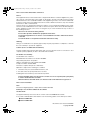
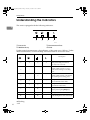
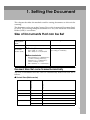
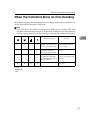
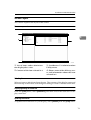
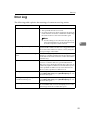
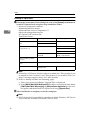
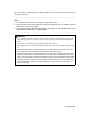
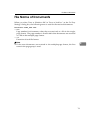
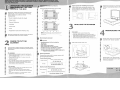
This section explains the meaning of error readings displayed on the indicator
of this unit and the measures to be taken.
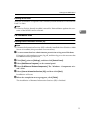
Note
❒ If an error that is not shown in the previous table occurs, switch off the unit
and then switch the power back on. If the error reading has not disappeared,
contact your nearest service shop and give a description of the error reading.
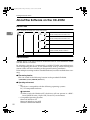
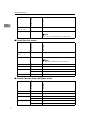
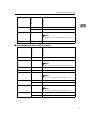
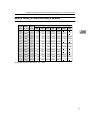
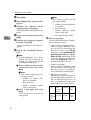
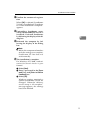
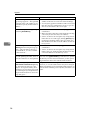
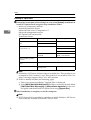
Error description
Solution
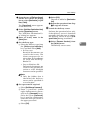
Close the Automatic Document Feeder (ADF) or
its cover fully.
✩
-
-
✩
The Automatic Document Feeder (ADF) or its
cover is not fully closed.
✩
-
★
✩
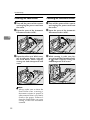
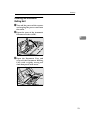
A document is jammed
Remove the jammed docinside the Automatic
ument.
Document Feeder (ADF).
✩
-
✩
✩
The document is not trans- Remove the document
ported by the Automatic
that was not transported
Document Feeder (ADF) in correctly.
the expected way.
★
★
★
★
System error
3
Contact your nearest service shop.
✩:On
★:Blinking
-:Off
19