1
Red Hat Storage 2.0 Quick Start Guide
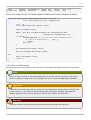
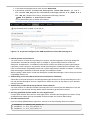
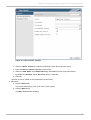
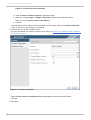
Figure 4 .6. Volume Options
For more information on each volum e set tunable option, refer to Chapter 10. Managing Red
Hat Storage Volumes of Red Hat Storage 2.0 Administration Guide.
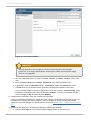
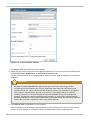
13. In the Volum es tab, select the new volume and click Start to start the volume.
T he volume status changes to Up.
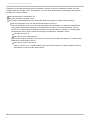
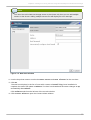
Note
You must ensure to optimize the volume before you can attach the volume to your storage
domain.
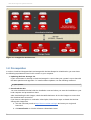
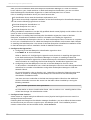
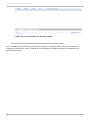
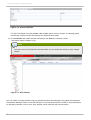
Figure 4 .7. New Volume
You can create a storage domain using the optimized volume and manage it using Red Hat Enterprise
Virtualization Manager. Refer to Red Hat Storage 2.0 Console Administration Guide for more information
on managing volumes such as start, stop, expand, shrink, add and edit volume options.
26