1
124
Appendixes for Web Site
PART VI
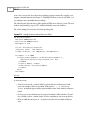
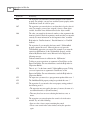
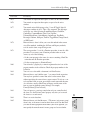
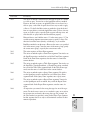
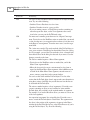
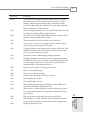
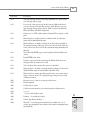
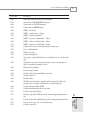
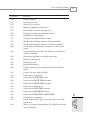
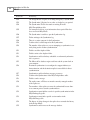
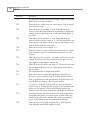
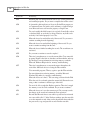
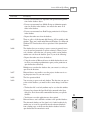
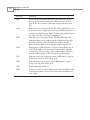
ErrorCode
ErrorString
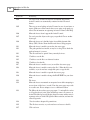
8093
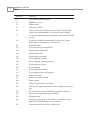
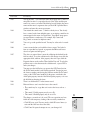
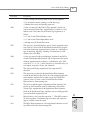
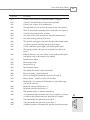
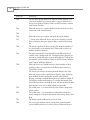
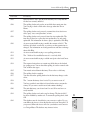
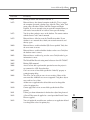
Send a pointer to the data access page? To send an e-mail message that
contains a pointer to your data access page, click Send Pointer. This is
the recommended method. The e-mail recipient must have access to the
server or public share to view the page. To send a copy of the page,
click Send Copy. To cancel sending the page, click Cancel. For more
information, click Help.
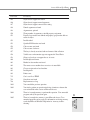
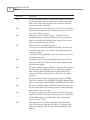
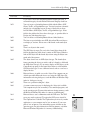
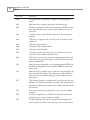
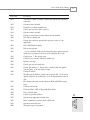
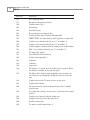
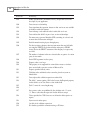
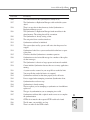
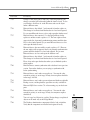
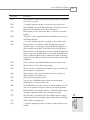
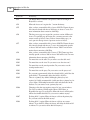
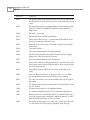
Send a copy of the data access page? The contents of the page will be
copied into the body of the email message, however the page will connect to the data source when the recipient views the message. If this is
correct, click OK. Otherwise, click Cancel, save the page to a server or
public share, and resend a pointer to the page. It is generally more
secure to send a pointer to the page than to send a copy of the page.
For more information, click Help.
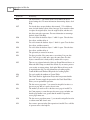
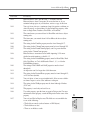
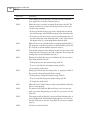
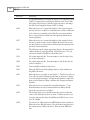
You tried to create a group filter based on a column type which cannot
be used in a filter.
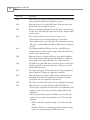
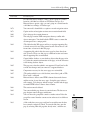
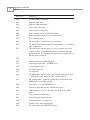
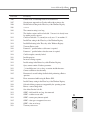
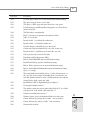
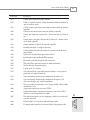
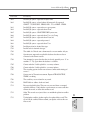
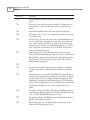
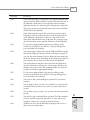
Microsoft Access can’t change the working directory to ‘|.’ Please enter
a non-Internet location.
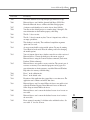
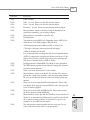
The connection string of this page specifies an absolute path. The page
might not be able to connect to data through the network. To connect
through a network, edit the connection string to specify a network
(UNC) path.
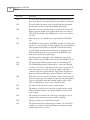
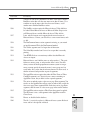
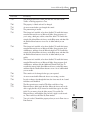
Your computer has resumed operation after Critical Suspend mode.
Any unsaved changes might have been lost. To ensure proper operation, close and reopen any files. Restarting Microsoft Access is recommended.
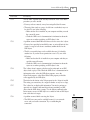
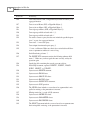
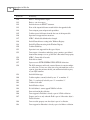
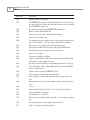
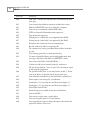
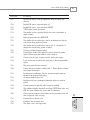
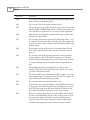
The database ‘|’ is read-only. You won’t be able to save changes made
to data or object definitions in this database.
You can’t make changes to the database objects in the database ‘|.’ This
database was created in an earlier version of Microsoft Access. To convert this database to the current version of Microsoft Access, close the
database, point to Database Utilities on the Tools menu, and then click
Convert Database.
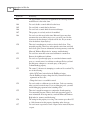
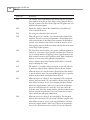
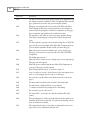
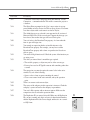
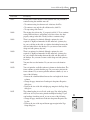
The file ‘|’ already exists. Do you want to replace the existing file? If
you want to compact or convert to a different file name, click No. Enter
the new file name after the /compact or /convert option in the command line, and run the command again.
8094
8095
8096
8097
8098
8400
8401
8402