1
2
Appendixes for Web Site
PART VI
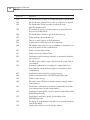
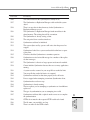
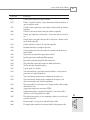
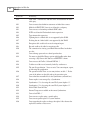
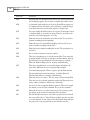
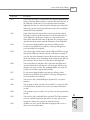
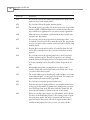
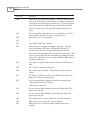
Access lets you trap some errors that can occur during program execution. By using the errortrapping commands mentioned in Chapter 7, “Handling Your Errors in Access with VBA,” you
can anticipate errors and handle them accordingly.
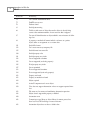
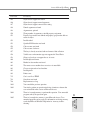
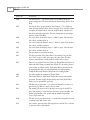
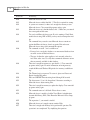
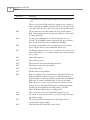
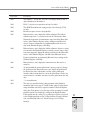
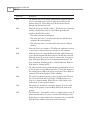
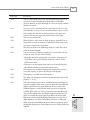
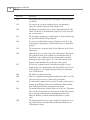
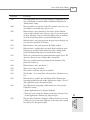
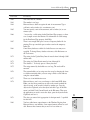
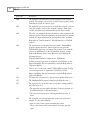
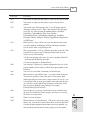
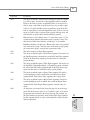
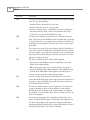
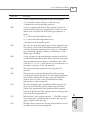
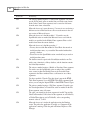
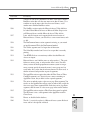
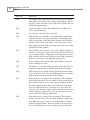
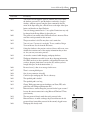
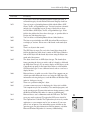
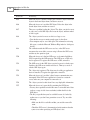
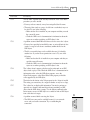
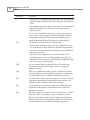
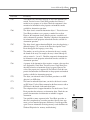
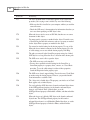
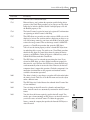
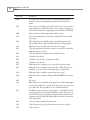
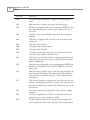
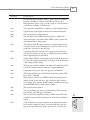
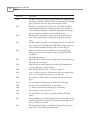
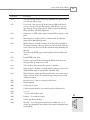
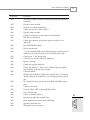
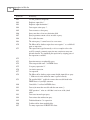
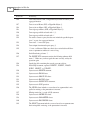
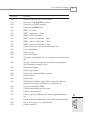
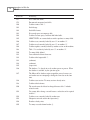
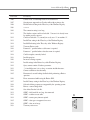
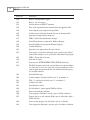
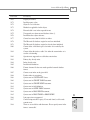
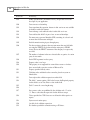
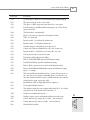
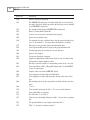
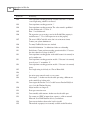
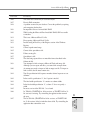
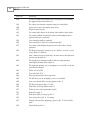
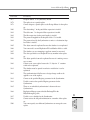
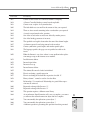
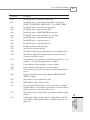
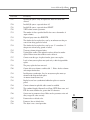
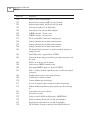
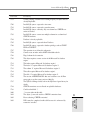
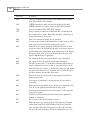
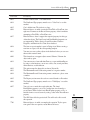
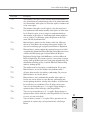
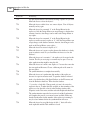
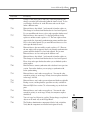
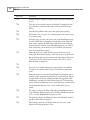
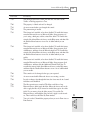
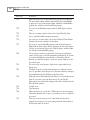
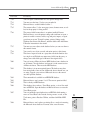
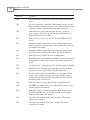
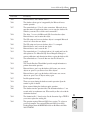
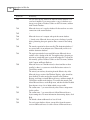
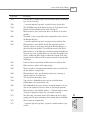
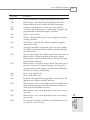
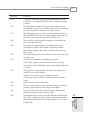
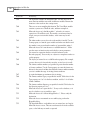
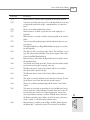
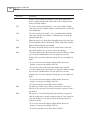
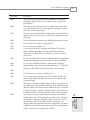
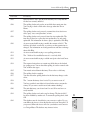
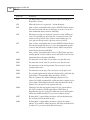
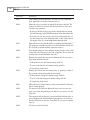
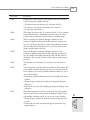
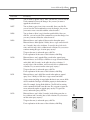
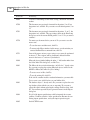
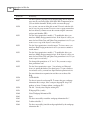
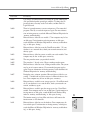
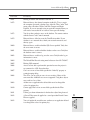
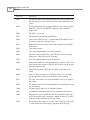
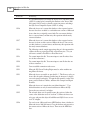
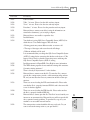
The following table lists both Access 2002 application/VBA errors and Jet 4.0 errors. The error
numbers can potentially go up to 32767, with user-definable errors from 30000 on.
The code in Listing E.1 creates the data in the upcoming table.
LISTING E.1
Storing All Access and Jet Errors to a Table
Sub CreateErrorTable()
Dim cnn As ADODB.Connection
Dim rst As New ADODB.Recordset
Dim lngCurr As Long
Set cnn = CurrentProject.Connection
cnn.Execute “Delete • From tblErrors”
rst.Open “tblErrors”, cnn, adOpenKeyset, adLockOptimistic
For lngCurr = 1 To 33000
If Len(AccessError(lngCurr)) > 0 And AccessError(lngCurr) <> _
“Application-defined or object-defined error” Then
rst.AddNew
rst![Error Number] = lngCurr
rst!Description = AccessError(lngCurr)
rst.Update
End If
Next lngCurr
End Sub
A few items to note:
• Some Jet errors use the | symbol, which is a placeholder for variables passed to the
errors. An example of this is error number 3006, Database ‘|’ is exclusively
locked., in which the pipe would be replaced with the name of the database exclusively
locked.
• It’s best to create user-defined errors by using error numbers 30000 and above. By starting at 30000, you have a smaller chance of Access expanding its own errors up that far.
• Errors in which the message is an • are special errors that Access handles in different
ways.