1
Scan to E-Mail
4
No.
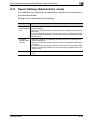
Item
Description
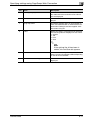
4
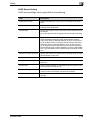
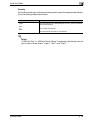
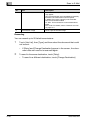
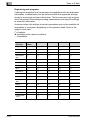
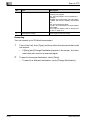
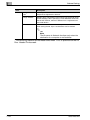
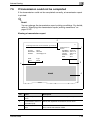
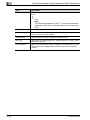
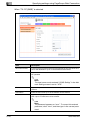
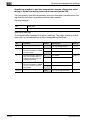
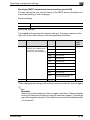
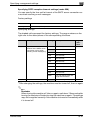
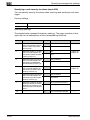
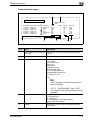
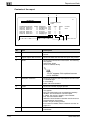
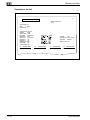
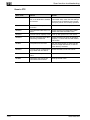
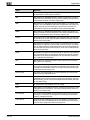
Transmission result
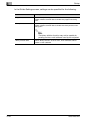
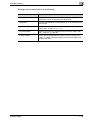
Shows the transmission result. Any of the following
may appear.
OK: The transmission was completed successfully.
INTERR: The transmission was interrupted.
F. MEM: The memory capacity was exceeded.
NG: The transmission failed.
PT. DEL: The transmission to some destinations
failed.
Error code: For details, refer to “Network error list”
on page 12-4.
5
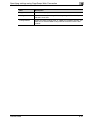
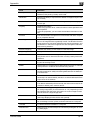
Transmission Image
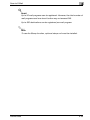
Prints a part of the sent image.
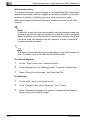
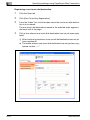
Resending
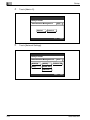
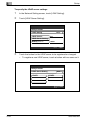
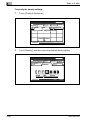
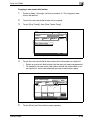
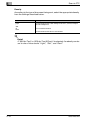
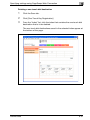
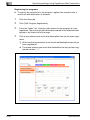
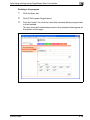
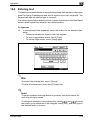
You can resend up to 20 failed transmissions.
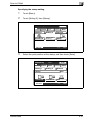
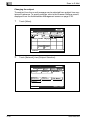
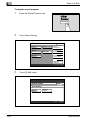
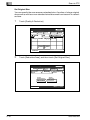
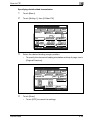
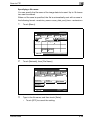
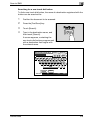
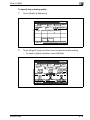
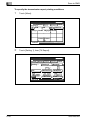
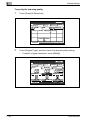
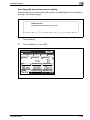
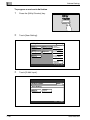
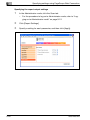
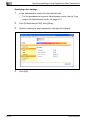
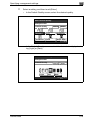
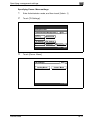
1
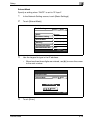
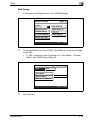
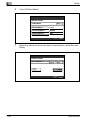
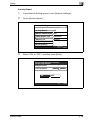
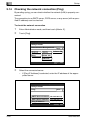
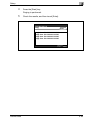
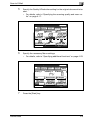
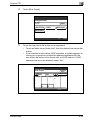
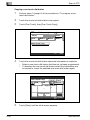
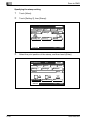
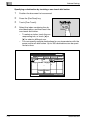
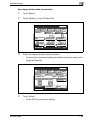
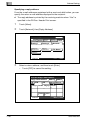
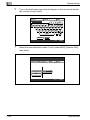
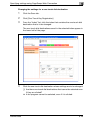
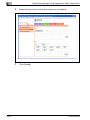
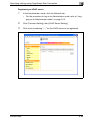
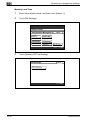
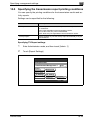
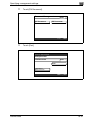
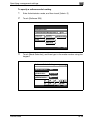
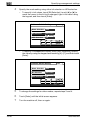
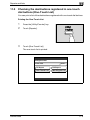
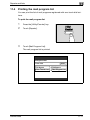
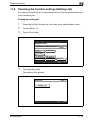
Touch [Job List], then [Type], and then select the document that could
not be sent.
–
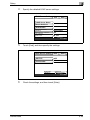
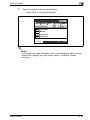
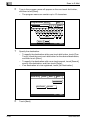
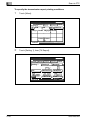
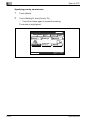
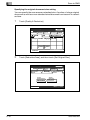
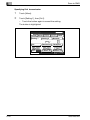
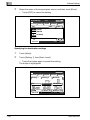
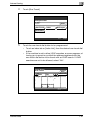
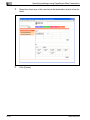
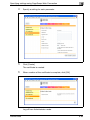
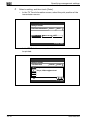
2
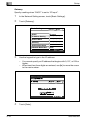
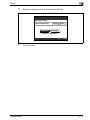
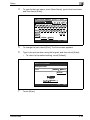
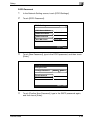
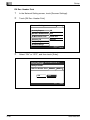
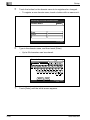
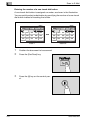
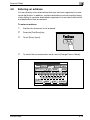
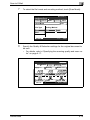
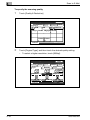
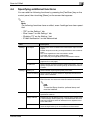
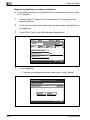
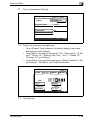
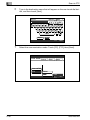
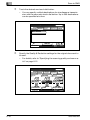
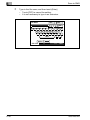
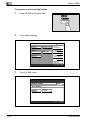
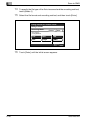
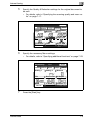
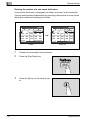
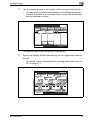
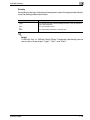
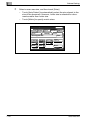
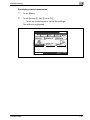
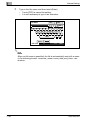
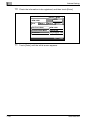
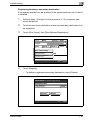
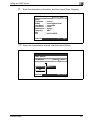
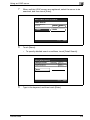
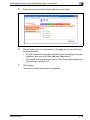
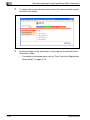
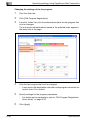
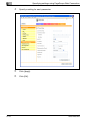
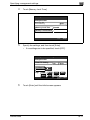
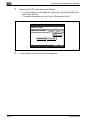
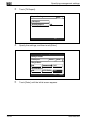
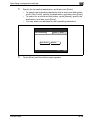
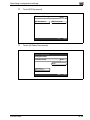
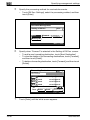
To send to the same destination, touch [Retry].
–
4-40
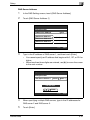
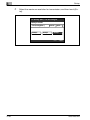
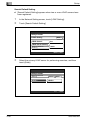
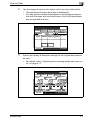
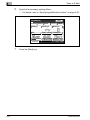
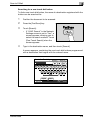
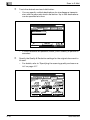
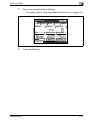
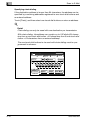
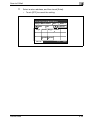
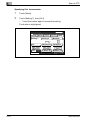
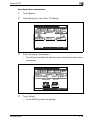
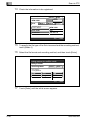
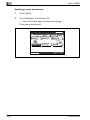
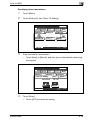
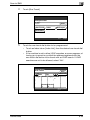
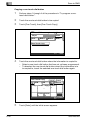
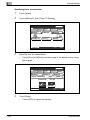
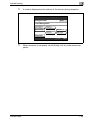
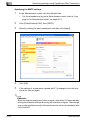
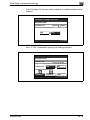
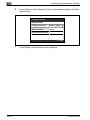
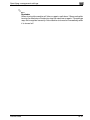
If [Retry] and [Change Destination] appear in the screen, the document does not need to be scanned again.
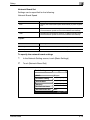
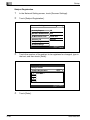
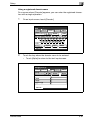
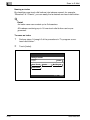
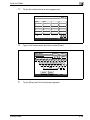
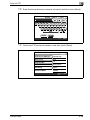
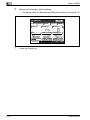
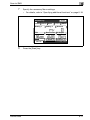
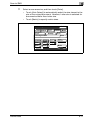
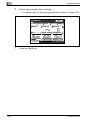
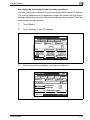
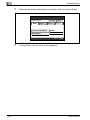
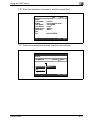
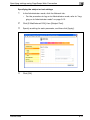
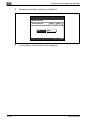
To send to a different destination, touch [Change Destination].
200/250/350





















































































































































































![User's Guide [Advanced Scan Operations]](http://vs1.manualzilla.com/store/data/006865872_1-8b3a85e3ed58d035968500e47824ff56-150x150.png)