1
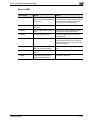
Scan to E-Mail
4
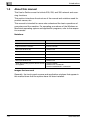
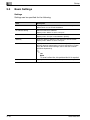
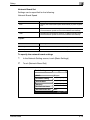
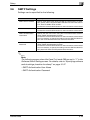
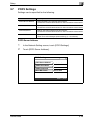
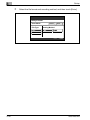
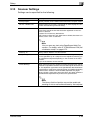
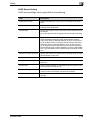
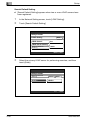
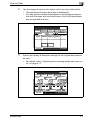
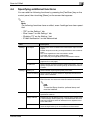
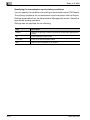
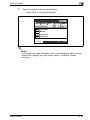
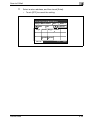
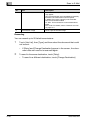
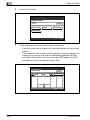
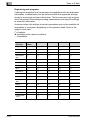
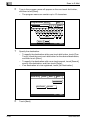
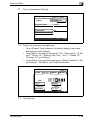
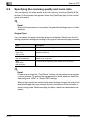
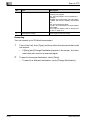
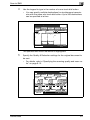
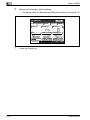
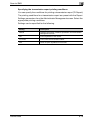
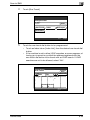
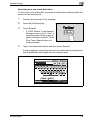
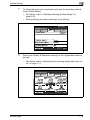
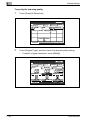
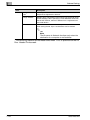
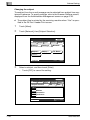
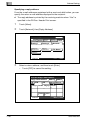
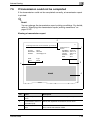
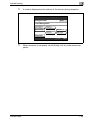
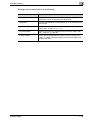
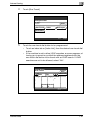
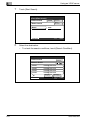
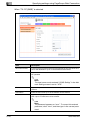
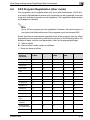
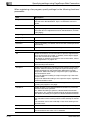
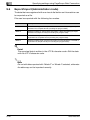
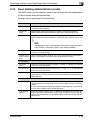
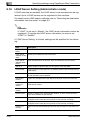
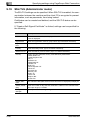
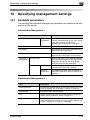
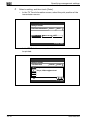
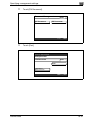
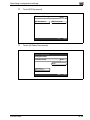
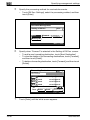
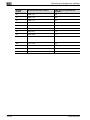
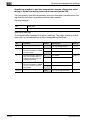
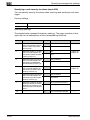
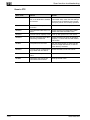
Settings can be specified for the following.
4-42
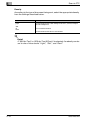
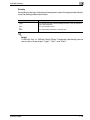
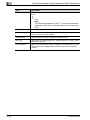
Item
Description
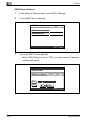
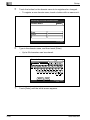
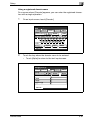
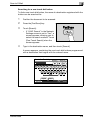
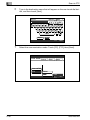
One-Touch Name
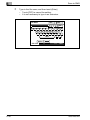
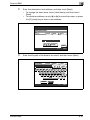
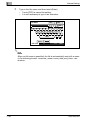
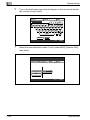
Type in the destination name that will appear on the one-touch dial
button. Up to 12 characters can be entered.
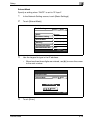
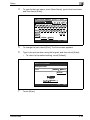
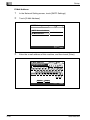
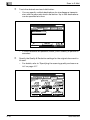
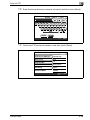
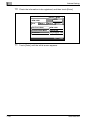
Destination
Type in the destination e-mail address. Up to 64 characters can be entered.
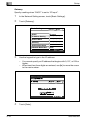
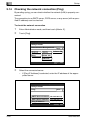
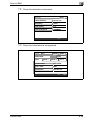
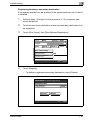
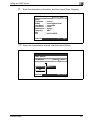
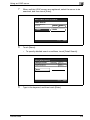
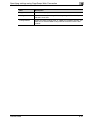
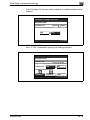
File Type
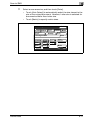
Select the file format (TIFF or PDF) for sending files.
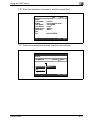
Coding Method
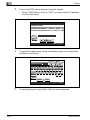
Select either “MH” or “MMR” as the encoding method for the selected
file format. The data capacity is lowest with “MMR” and highest with
“MH”.
200/250/350




















































































































































































![User's Guide [Advanced Scan Operations]](http://vs1.manualzilla.com/store/data/006865872_1-8b3a85e3ed58d035968500e47824ff56-150x150.png)