1
Specifying settings using PageScope Web Connection
9
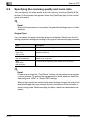
Specifying the reception settings
1
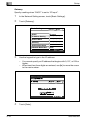
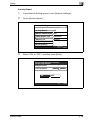
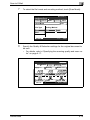
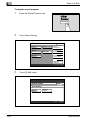
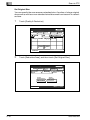
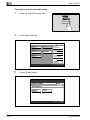
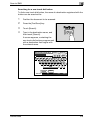
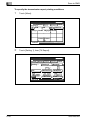
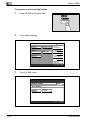
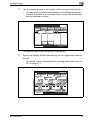
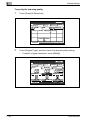
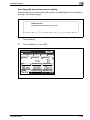
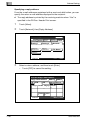
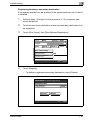
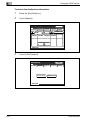
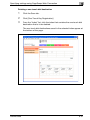
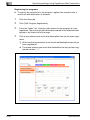
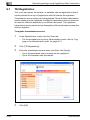
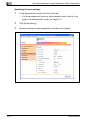
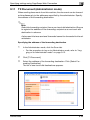
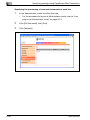
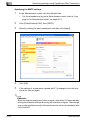
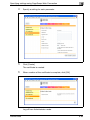
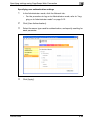
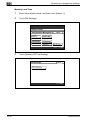
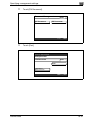
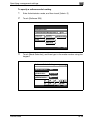
In the Administrator mode, click the Scan tab.
–
9-52
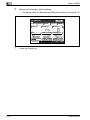
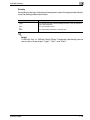
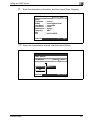
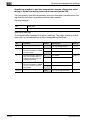
For the procedure to log on to Administrator mode, refer to “Logging on to Administrator mode” on page 9-12.
2
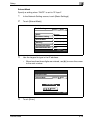
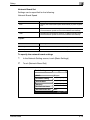
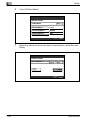
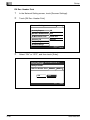
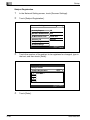
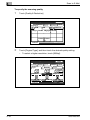
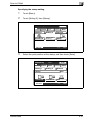
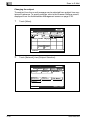
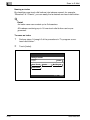
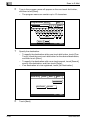
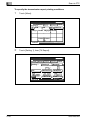
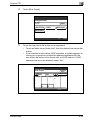
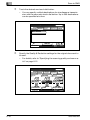
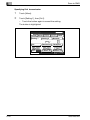
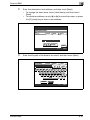
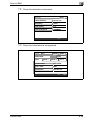
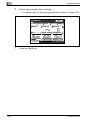
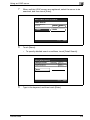
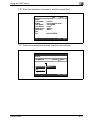
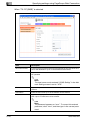
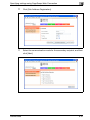
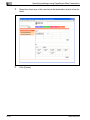
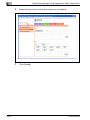
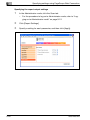
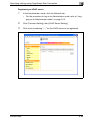
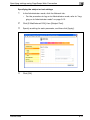
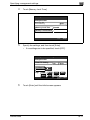
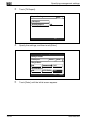
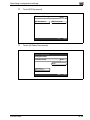
Click [RX Settings].
3
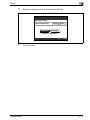
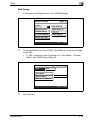
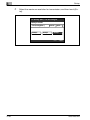
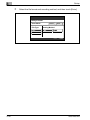
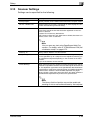
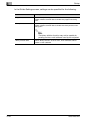
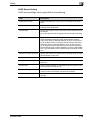
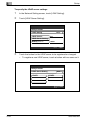
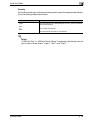
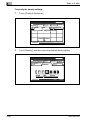
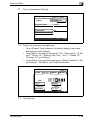
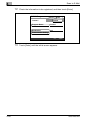
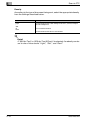
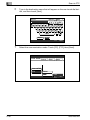
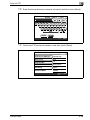
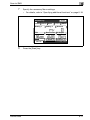
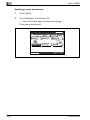
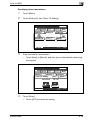
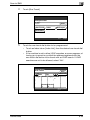
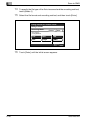
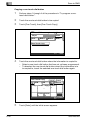
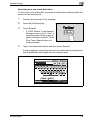
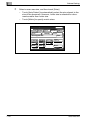
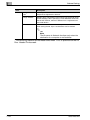
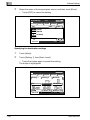
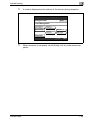
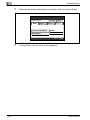
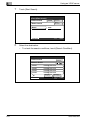
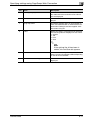
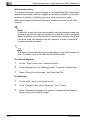
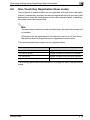
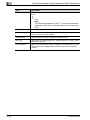
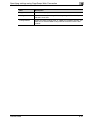
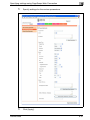
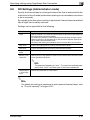
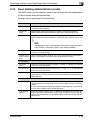
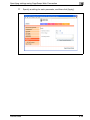
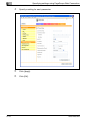
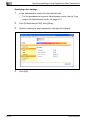
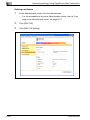
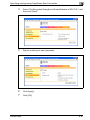
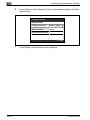
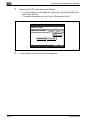
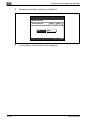
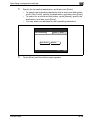
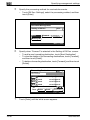
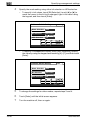
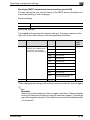
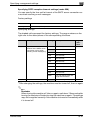
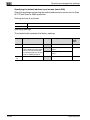
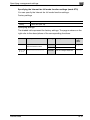
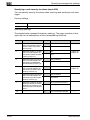
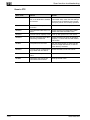
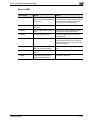
Specify a setting for each parameter, and then click [Apply].
200/250/350




























































































































































































![User's Guide [Advanced Scan Operations]](http://vs1.manualzilla.com/store/data/006865872_1-8b3a85e3ed58d035968500e47824ff56-150x150.png)