1
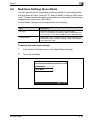
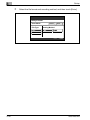
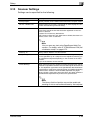
Scan to SMB
5
6
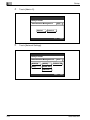
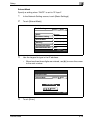
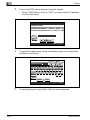
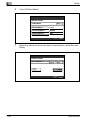
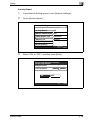
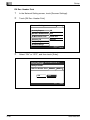
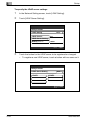
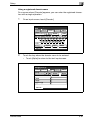
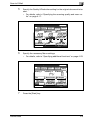
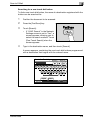
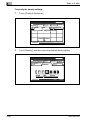
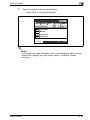
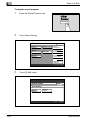
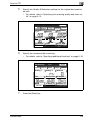
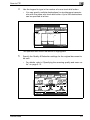
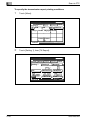
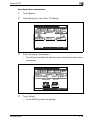
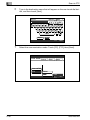
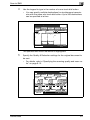
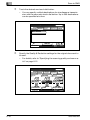
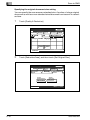
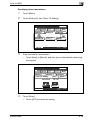
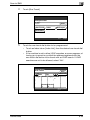
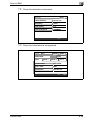
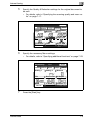
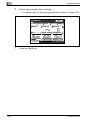
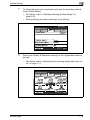
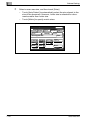
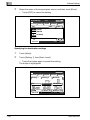
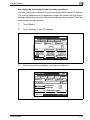
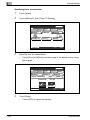
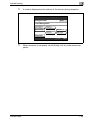
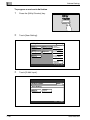
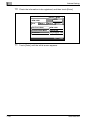
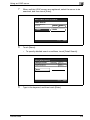
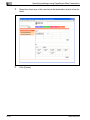
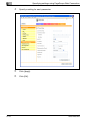
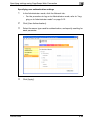
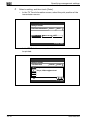
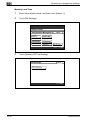
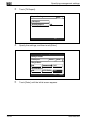
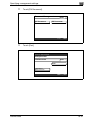
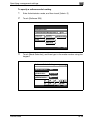
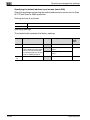
Specify the Quality & Reduction settings for the original document to
be sent.
–
For details, refer to “Specifying the scanning quality and zoom ratio” on page 6-12.
SCANReady
Fine
Direct
Input
One-Touch Search
Original
Type
Chain
Quality&
Reduction
Menu
Reduction/
Area
Density
600
dpi
Standard
Fine
Super Fine
Text/Photo
GSR
Super GSR
Memory
Free
100%
Job List
6
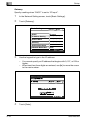
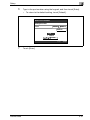
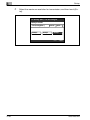
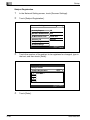
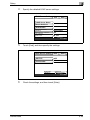
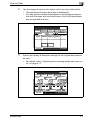
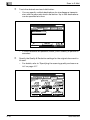
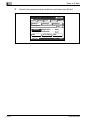
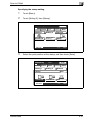
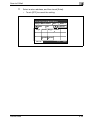
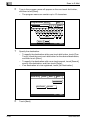
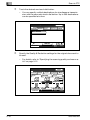
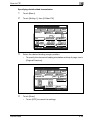
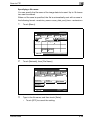
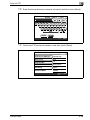
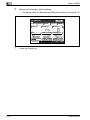
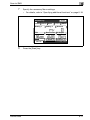
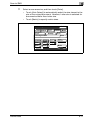
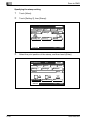
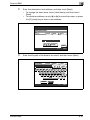
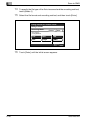
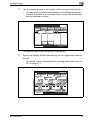
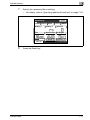
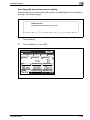
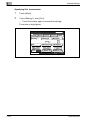
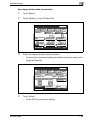
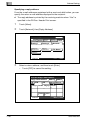
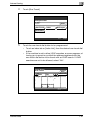
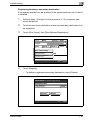
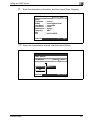
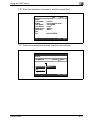
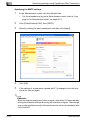
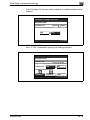
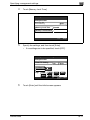
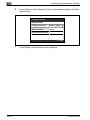
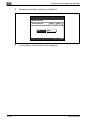
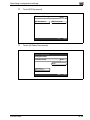
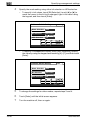
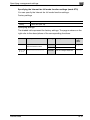
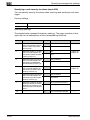
Specify the necessary Menu settings.
–
For details, refer to “Specifying additional functions” on page 6-18.
SCANReady
One-Touch
200/250/350
Search
Direct
Input
Chain
Quality&
Reduction
Menu
Setting 1
Setting 2
Network
TSI
Dest. Insert
TX Report
2in1
2-Sided TX
Rotation TX
Job List
7
Fine
Memory
Free
100%
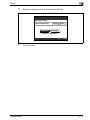
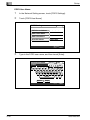
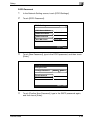
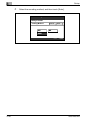
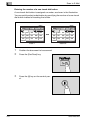
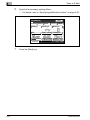
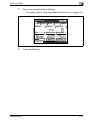
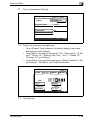
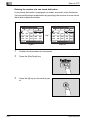
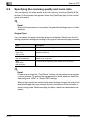
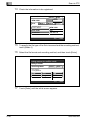
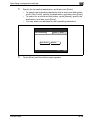
Press the [Start] key.
6-5






















































































































































































![User's Guide [Advanced Scan Operations]](http://vs1.manualzilla.com/store/data/006865872_1-8b3a85e3ed58d035968500e47824ff56-150x150.png)