1
Printing on Various Papers | 2-3
Note
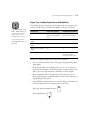
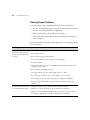
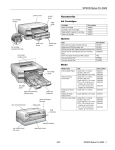
Paper Tray Loading Capacities and Guidelines
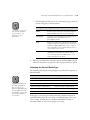
The loading capacity of the paper trays depends on the type of paper you’re
loading. Use this table to determine the number of sheets you can load:
You can’t load Watercolor
Paper - Radiant White or
card stock in the paper
trays. Use the rear
manual feed slot only.
For more information
about EPSON media, see
page 2-9.
Paper type
Paper tray capacity
Additional information
Archival Matte Paper
50 (A4 or letter size)
20 (A3 or Super A3/B
size)
Use the support sheet
packed with the paper
Premium Glossy Photo
Paper
20
—
Professional Glossy
Paper
20
—
Premium Luster Photo
Paper
20
—
Plain paper
250
Use the rear manual
feed slot for paper
smaller than letter size
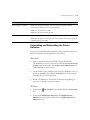
When you’re loading the paper trays, follow these guidelines:
•
Don’t touch the printable surface of the paper. Fingerprints may affect
print quality.
•
Keep unused media in its packaging and store it in a cool, dry place to
avoid a decline in quality. Avoid storing media or printouts where they
will be exposed to high temperature, humidity, or direct sunlight.
•
Place the printable side of the paper face-down in the tray. If you’re
using preprinted paper, such as letterhead or forms, load it with the top
edge leading into the printer.
•
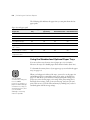
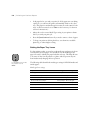
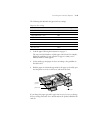
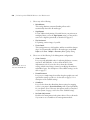
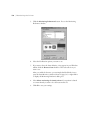
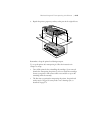
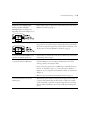
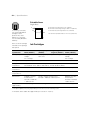
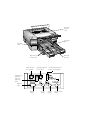
Some EPSON special media have cut corners to help you determine the
correct loading position for the paper path you are using:
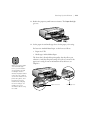
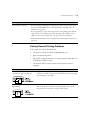
Paper tray and front manual feed slot:
Rear manual feed slot:
2-3