1
Printing with EPSON Drivers for Macintosh | 3-9
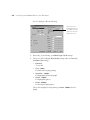
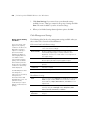
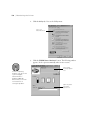
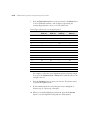
4. To select a priority for your print job in the queue of jobs waiting to
print, click one of the following:
•
Urgent to print before any Normal priority job
•
Normal to print in the order the job is received
•
Print at: to print at the specific time you enter in the day and time
in the fields to the right
•
Hold to hold the print job in the print queue until you’re ready to
release it using Monitor3; see the following section for details.
5. Click OK to save your settings and return to the printing dialog box.
6. Click Print to print your document. If you selected Print at: or Hold,
your document is spooled, but held in the print queue until the specified
print time or until you release it using Monitor3, as described in the
next section.
Using Monitor3
The Monitor3 utility lets you prioritize and control your print jobs as well as
monitoring their progress.
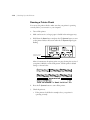
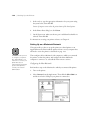
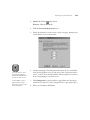
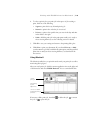
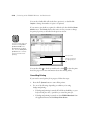
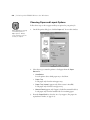
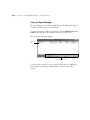
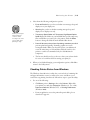
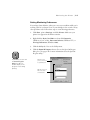
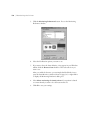
After you send a print job, click the current application icon at the right end
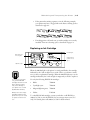
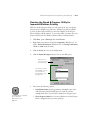
of the menu bar and select EPSON Monitor3. You see a window like this:
current
print job
jobs waiting
to print
appear here
click to see details
and change print job
priorities
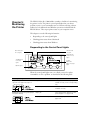
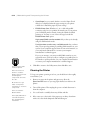
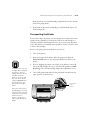
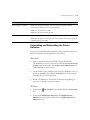
If necessary, click a print job, then click
the job, or
to pause the job.
3-9
to delete the job,
to restart