1
M3000 Portable Bar Code Reader User's Guide
2.
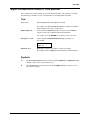
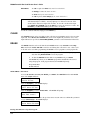
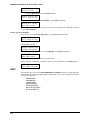
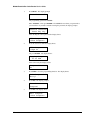
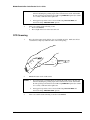
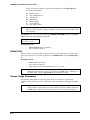
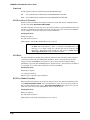
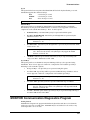
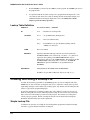
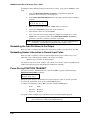
SQUEEZE the TRIGGER on the laser. The "SCAN" light on the back of the laser turns
on.
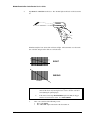
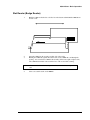
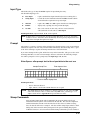
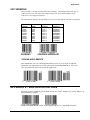
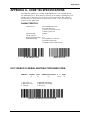
Simultaneously the laser emits a thin red beam of light. The beam must cover the entire
bar code label and part of the white area on both sides.
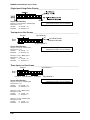
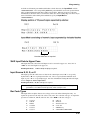
RIGHT
123456
WRONG
123456
NOTES: 1.
2.
3.
4-12
If the laser has not read the label within approximately one second, it
turns off the beam. Try moving the laser closer to the bar code label
and adjusting the pointing angle.
If the Laser/CCD setup ALWAYS RUN option is OFF, the trigger
must be released between scans. See FUNC SETUP.
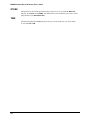
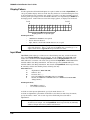
After a successful read the following occurs:
• The reader BEEPS.
• The "DECODE" light on the back of the laser turns on.