1
DXP Plus Programming Instructions
lM166-123
6.9.16
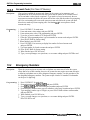
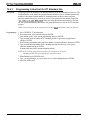
Defaulf Relocaiion Response
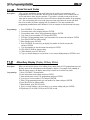
Description:
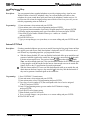
When someone relocates a digital telephone from one station port to another port, the relocated
telephone prompts the user to take action to determine the station parameters. The user can
either accept the parameters from the station’s original port or accept those from the new port.
He or she has 10 seconds to make the choice. If the user takes no action, the station assumes the
parameters determined by this programming procedure. If you set the programming choice to
YES, the station assumes the parameters from the original station port. If you set the
programming choice to NO, the station assumes the parameters from the new port.
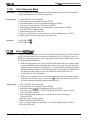
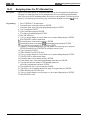
Programming:
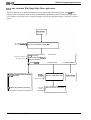
1. Press CONTROL T for main menu.
2. From main menu, select systems and press ENTER.
3. From system menu, select system parameters and press ENTER.
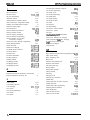
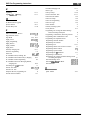
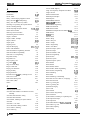
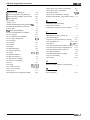
4. From system parameters menu, type item number for feature and press ENTER.
5. Press SPACE bar for feature setting and press ENTER to accept setting.
6. When finished, press ESCAPE twice.
7. Type y to accept changes, n to reject them, or r to resume editing and press ENTER.
6.9.17
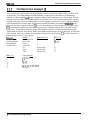
Ring Back Tone
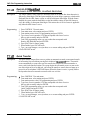
Description:
By default, when callers call an intercom party, they receive an intercom ring back tone to tell
them that the called intercom station is ringing. Also, when callers call over the CO line, they
receive a CO-style ring back tone to tell them that the distant CO telephone is ringing. Some
system users find intercom ring back tone confusing. If you encounter this situation with your
users, you can take this programming action to assign CO-style ring back tone to intercom calls.
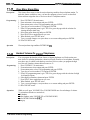
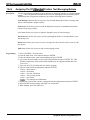
Programming:
1. Press CONTROL T for main menu.
2. From main menu, select systems and press ENTER.
3. From system menu, select system parameters and press ENTER.
4. From system parameters menu, type item number for ring back tone and press ENTER.
5. Press SPACE bar for feature setting and press ENTER to accept setting.
Tone 1 = intercom ring back tone
Tone 2 = CO-style ring back tone
6. When finished, press ESCAPE twice.
7. Type y to accept changes, n to reject them, or r to resume editing and press ENTER.
6-32 Sys tern Features Programming