1
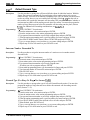
6.9.7
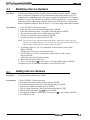
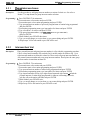
TI--El Siatus Reporting
Description:
Use the following instructions to enable the Tl--El status reporting feature. Use the Section
6.13.2 procedure to program the status reporting and alarm alarting parameters.
Programming:
1. Press CONTROL T for main menu.
2. From main menu, select system and press ENTER.
3. From system menu, select system parameters and press ENTER.
4. From system parameters menu, select Tl--El status reporting and press ENTER.
5. Press SPACE bar for feature setting.
6. When finished, press ESCAPE twice.
7. Type y to accept changes, n to reject them, or r to resume editing and press ENTER
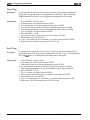
6.9.8
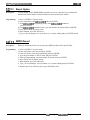
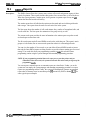
Major Alarm Alerting
Description:
Use the following instructions to enable the Tl--El alarm alerting feature. Use the Section
6.13.3 procedure to program the status reporting and alarm alarting parameters.
Programming:
1. Press CONTROL T for main menu.
2. From main menu, select system and press ENTER.
3. From system menu, select system parameters and press ENTER.
4. From system parameters menu, select major alarm reporting and press ENTER.
5. Press SPACE bar for feature setting.
6. When finished, press ESCAPE twice.
7. Type y to accept changes, n to reject them, or r to resume editing and press ENTER
System Features Programming 6- 27