1
SECTION 4: Initial Setup
How to Set the NIGHT Setup Button Function
The NIGHT button can be set to arm the system in one of four arming
modes:
•
•
•
•
Away - When selected, arms all zones with entry delay.
Stay - When selected, arms perimeter zones with entry delay.
Instant - When selected, arms perimeter zones without entry
delay.
Maximum - When selected, arms all zones without entry delay.
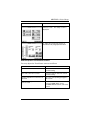
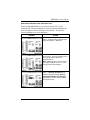
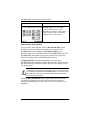
To set the NIGHT button function, do the following:
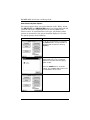
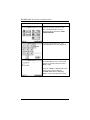
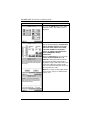
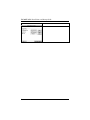
SCREEN
ACTION
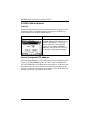
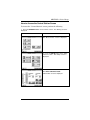
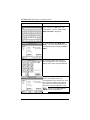
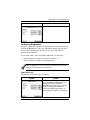
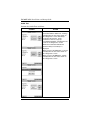
1. On the “Central Station” screen press
the Night Setup button. A Night Setup:
pop-up window is displayed with options
for selecting Away, Stay, Instant, and
Maximum.
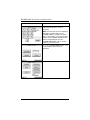
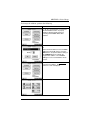
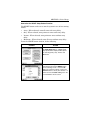
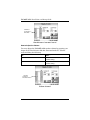
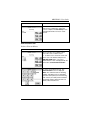
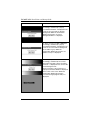
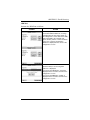
2. Select the arming mode that will be
activated by pressing the NIGHT button
on the "Arming" screen. Press the Ok
button to accept the setting, or press the
Cancel button to cancel your selection. In
either case the FA700KP-ADS goes to the
"Central Station" menu screen.
4–7