1
FA700KP-ADS Installation and Setup Guide
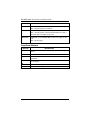
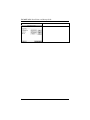
SCREEN
ACTION
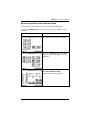
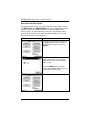
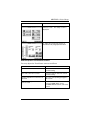
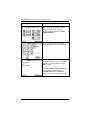
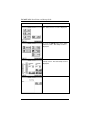
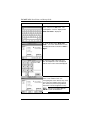
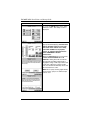
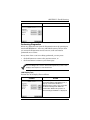
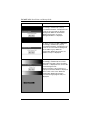
2. When you press the Yes or No button
accordingly, automatically a pop-up
"Confirmation Window" is displayed in the
center of the screen with an all white
background. Within the Confirmation
Window the question "Is Screen
Background White?" is displayed.
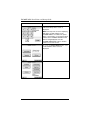
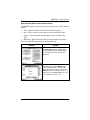
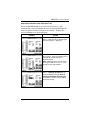
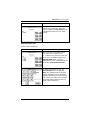
3. When you press the Yes or No button
accordingly, automatically a pop-up
"Confirmation Window" is displayed in the
center of the screen with the background
in 16 shades of gray. Within the
Confirmation Window the question "16
Shades of Gray?" is displayed.
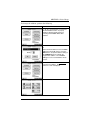
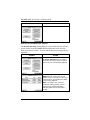
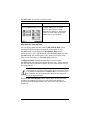
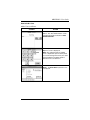
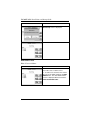
4. When you press the Yes or No button
accordingly, automatically the contrast
test begins from light to dark. "Changing
Contrast.." is displayed in the center of the
screen during this time.
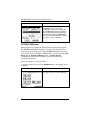
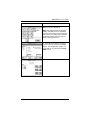
At the conclusion of the contrast test a
Pop-Up Confirmation Window is displayed
in the center of the screen. Within the
Confirmation Window the question
"Contrast Changed (Light to Dark)?" is
displayed.
7–4