1
WikiPrint - from Polar Technologies
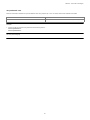
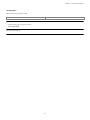
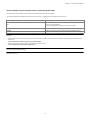
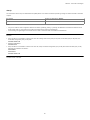
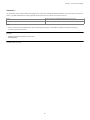
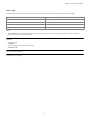
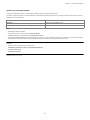
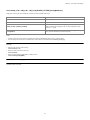
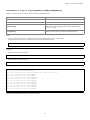
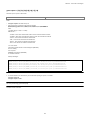
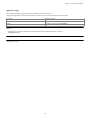
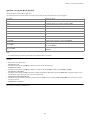
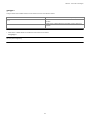
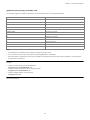
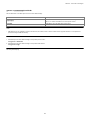
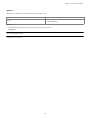
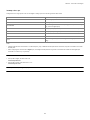
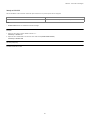
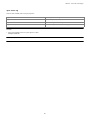
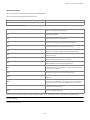
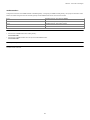
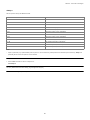
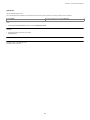
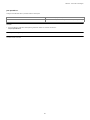
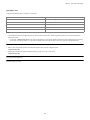
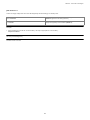
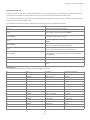
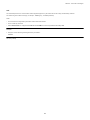
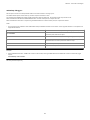
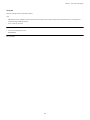
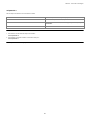
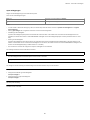
iocond n b t i1 i2 IP mt
Sets the condition(s) that would trigger an IO report.
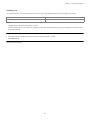
n = 1 to 8
IO report number
b=0
conditional operator for the following parameters: Off (Default)
b=1
conditional operator for the following parameters: AND
b=2
conditional operator for the following parameters: OR
t=0
timeout disabled
t = 1 to 65535
timeout in seconds
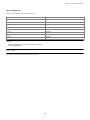
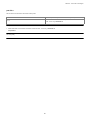
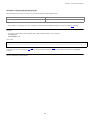
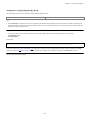
i1 = 0
alarm on input trigger: disabled
i1 = 1 to 6
alarm on input trigger: input number (1 to 8 for CTM200r2)
i2 = 0
alarm on input trigger: disabled
i2 = 1 to 6
alarm on input trigger: input number (1 to 8 for CTM200r2)
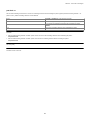
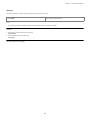
IP = 0
report if change in IP address: disabled
IP = 1
report if change in IP address: enabled
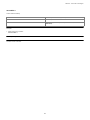
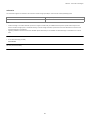
mt = 0 to 65535
maximum reporting rate in seconds (minimum time between reports)
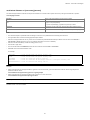
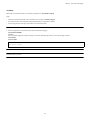
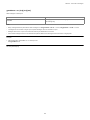
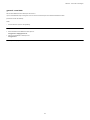
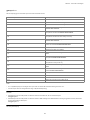
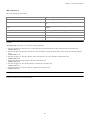
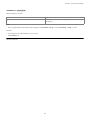
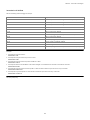
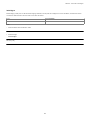
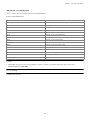
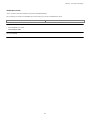
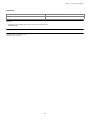
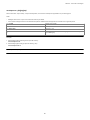
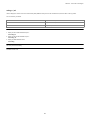
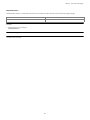
Examples:
1. send report #1 every 60 seconds :
cmd iocond 1 1 60
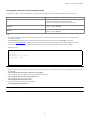
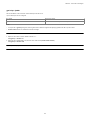
2. send report #2 every 60 seconds if input #1 is in alarm :
cmd iocond 2 1 60 1
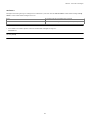
3. send report #3 every 60 seconds if inputs #1 and #2 are in alarm :
cmd iocond 3 1 60 1 2
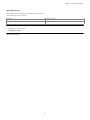
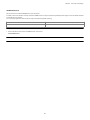
4. send report #4 whenever the IP address of the modem changes ? this indicates that it has made a new network connection :
cmd iocond 4 2 0 0 0 1
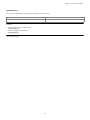
5. send report #5 every 60 seconds or while input #3 is in alarm but with a maximum report rate of one every 10 seconds :
cmd iocond 5 2 60 0 3 0 10
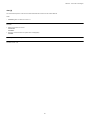
6. send report #6 only while input #6 is in alarm but with a maximum report rate of one every 10 seconds :
cmd iocond 6 1 0 6 0 0 10
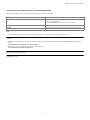
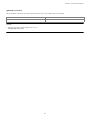
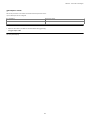
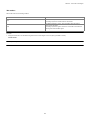
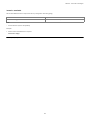
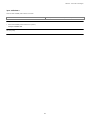
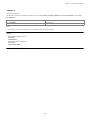
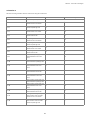
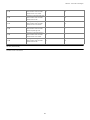
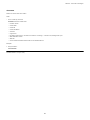
See also: [IO Reports]
138