1
Selecting the Alternate Path
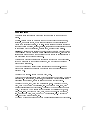
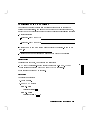
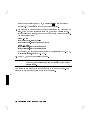
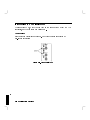
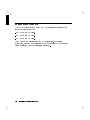
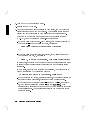
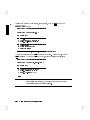
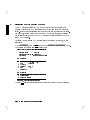
Select the Alternate Path in a similar way by going to the
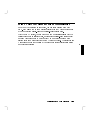
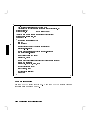
PATH CONFIGURATION menu and typing 2 4Enter5 to see the ALTERNATE PATH
menu.
NNNNNNNNNNNNNNNNNNNNNNNNNNNNNNNNNNNNNNNNNNNNNNNNNNNNNNNN
NNNNNNNNNNNNNNNNNNNNNNNNNNNNNNNNNNNNNNNNNNNN
Resetting the Boot Device List
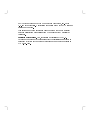
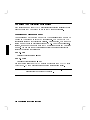
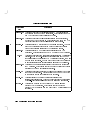
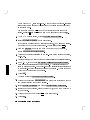
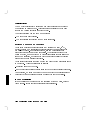
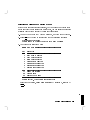
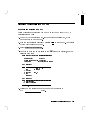
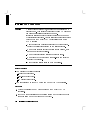
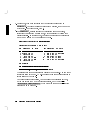
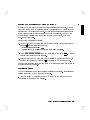
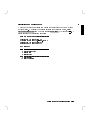
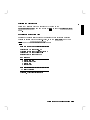
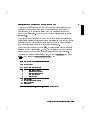
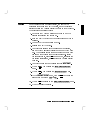
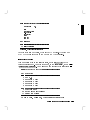
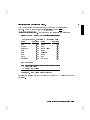
Resetting the search list for primary or alternate boot devices is a similar
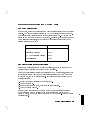
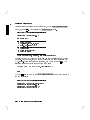
process to setting paths in general. First, go to the MAIN MENU and type 2
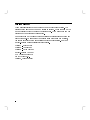
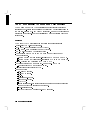
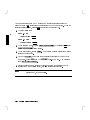
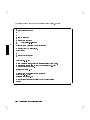
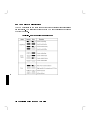
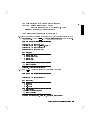
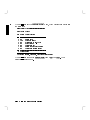
4Enter5 to get the PATH CONFIGURATION menu:
NNNNNNNNNNNNNNNNNNNNNNNNNNNNN
NNNNNNNNNNNNNNNNNNNNNNNNNNNNNNNNNNNNNNNNNNNNNNNNNNNNNNNN
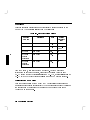
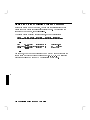
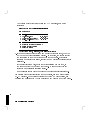
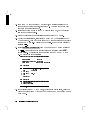
==== PATH CONFIGURATION ======================
PRIMARY PATH is
ALTERNATE PATH is
CONSOLE PATH is
KEYBOARD PATH is
now
now
now
now
[
[
[
[
SCSI.6.0 ]
LAN.080009-723333 ]
GRAPHICS 1 ]
PS/2 (0) ]
Key Operation
--- ----------------------------------------1 Primary Boot Path
2 Alternate Boot Path
3 Console Path
4 Keyboard Path
... .........................................
0 Previous Menu
77 Reset the System
---------------------------------------------Press Key, then press [Enter/Return]
Using the Boot Console Handler
B-13
B