1
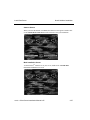
RM for Windows Over 5.1x or Higher
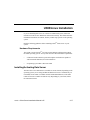
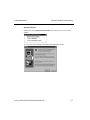
Reinstall Resource Manager
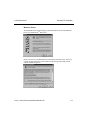
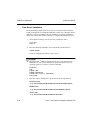
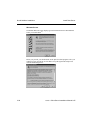
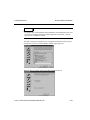
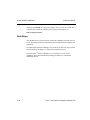
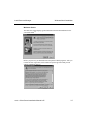
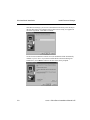
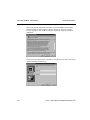
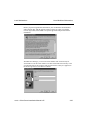
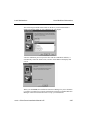
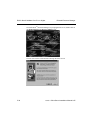
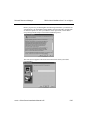
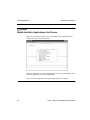
Before you proceed, gather this information: your OSAS CD Activation Key, the
Visual PRO/5 Serial Number and Activation Key, and the path for OSAS to
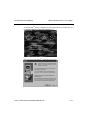
operate on. After you read the License Agreement, click on Yes to accept the
agreement and proceed with the installation.
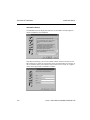
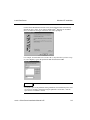
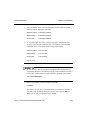
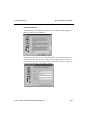
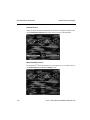
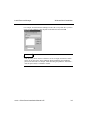
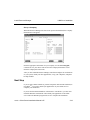
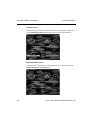
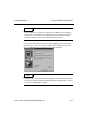
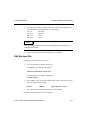
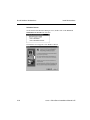
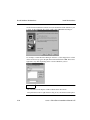
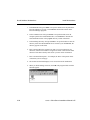
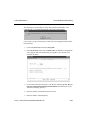
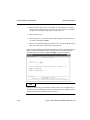
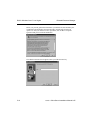
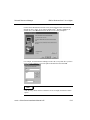
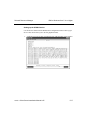
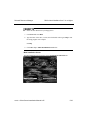
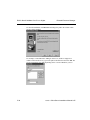
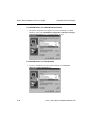
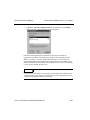
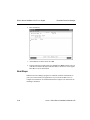
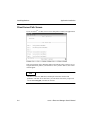
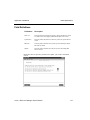
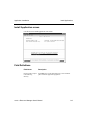
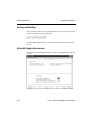
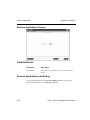
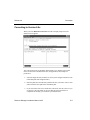
The OSAS Activation Screen appears. Enter your CD activation key.
5-12
OSASCS Client Server Installation Manual 6.05