1
RM for Novell NetWare Over 5.1x or Higher
Reinstall Resource Manager
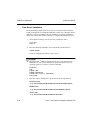
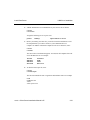
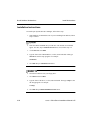
1. Locate and erase the file named RMSIZE.TXT in your Resource Manager
programs directory, if it exists. For example:
erase C:\osas\progRM\RMSIZE.TXT
2. In the Resource Manager program directory, find and erase the
OSAPPL.BAK and OSINFO.BAK files, if they exist. For example, enter
erase C:\osas\progRM\OSAPPL.BAK
erase C:\osas\progRM\OSINFO.BAK
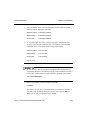
When you start OSAS after the installation, the system will automatically move
some of your system files to the new system files directory. Once the files are
copied, you can run OSAS and install your applications as usual.
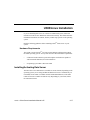
Before you begin installing Novell Resource Manager, be sure your drives are
mapped to the correct volumes. It is important to have all terminals mapped to the
same volumes. This will help your installation process and daily OSAS functions
run smoothly.
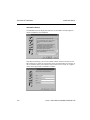
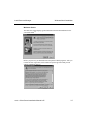
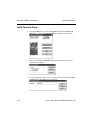
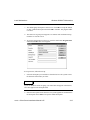
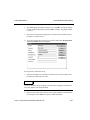
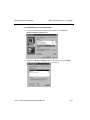
To install Open Systems Resource Manager, follow the following steps:
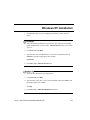
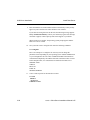
1. Start Microsoft Windows 95/98 or Windows NT. If you are installing from
diskettes, follow steps 6-9 below.
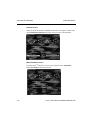
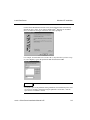
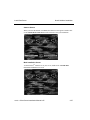
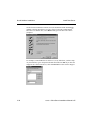
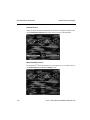
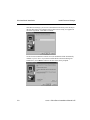
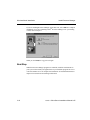
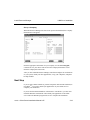
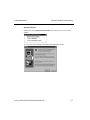
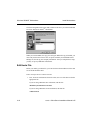
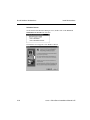
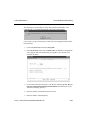
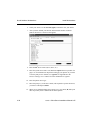
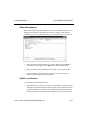
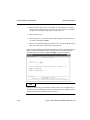
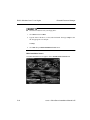
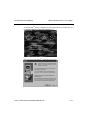
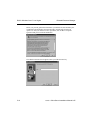
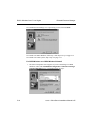
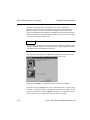
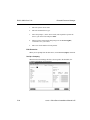
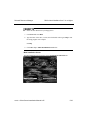
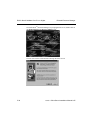
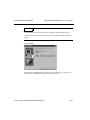
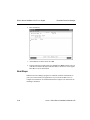
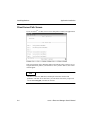
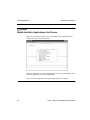
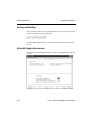
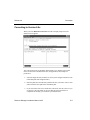
2. Insert CD into your CD-ROM drive. The OSAS CD-ROM installation screen
should appear automatically. If it does, skip to the Main Installation Screen
below; if not, follow steps 3-5.
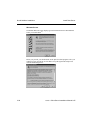
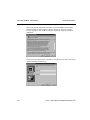
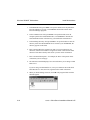
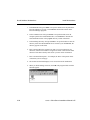
3.
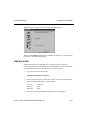
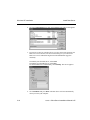
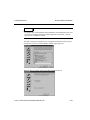
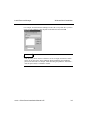
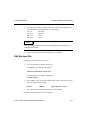
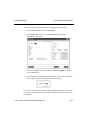
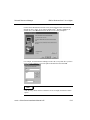
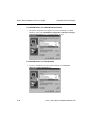
Click Start. Then select Run.
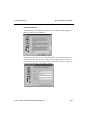
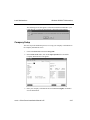
4. Type the letter of the CD-ROM drive, a colon, and a backslash. Then type
autorun to start the setup program.
d:\autorun
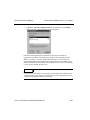
5. Click OK.
5-32
OSASCS Client Server Installation Manual 6.05