1
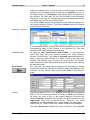
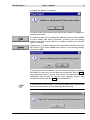
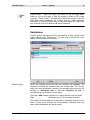
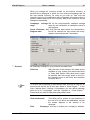
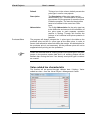
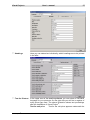
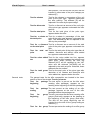
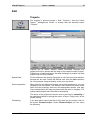
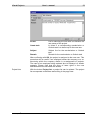
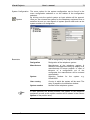
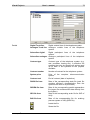
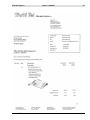
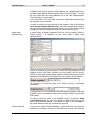
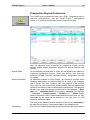
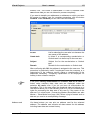
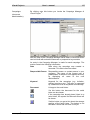
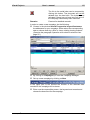
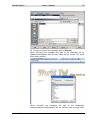
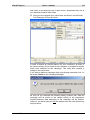
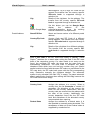
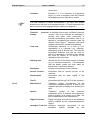
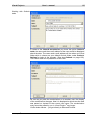
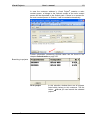
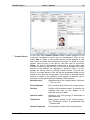
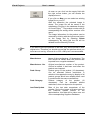
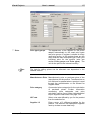
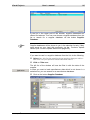
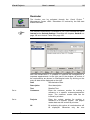
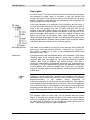
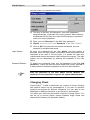
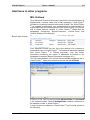
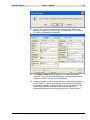
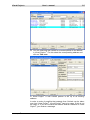
Visual Project ® User`s manual 173 As long as the system administrator doesn`t have a password, the user administration is deactivated. In this case the user is selected as user ADMIN automatically and no registration question is asked when executing the program. To activate the registration system create a password for the system administrator in the menu <Option / Change password>. To protect your data you should as soon as possible define the user and enter a password for the user ADMIN, otherwise all users can view your data. The total user administration with all settings will only be activated by giving a password to the user ADMIN. The password can be entered or changed in menu <Options / Change password> see section Change Password. A new user does not have to be created in order to allocate a password to the system administrator. The password of the system administrator should be kept confidential. Therefore, note down the password in a way that you are always able to find it but nobody else can! User details User Id The entry of the name which the user is registered with. It must be unique with a max. of 16 characters (shown in the status line) Name Complete name of the user (it is suggested in the address data as customer advisor). If this field contains an entry, then it appears for the respective user in the sender address of the offer. Department Entry of the (informative) Location Place of the user, e.g. area (informative) Telephone Telephone number of the user. If this field contains an entry, then it appears for the respective user in the sender address of the offer. Fax Fax number of the user. This entry appears for the respective user in the sender address of the offer. E-Mail E-mail address of the user. If this field contains an entry, then it will be printed in the sender address of the offer. department of the user In case you work with Outlook-tasks, please ensure that for all users the e-mail address of the user is entered in the field Mail. Via the e-mail address of the respective user can be found out whether the active Outlook-Session belongs to the registered user of Visual Project®. If the entry of the e-mail address in the user administration is missing, Visual Project ® Revision 2013.12