1
Visual Project ®
User`s manual
75
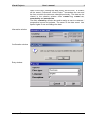
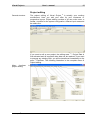
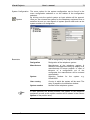
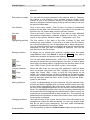
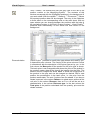
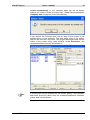
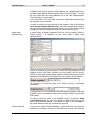
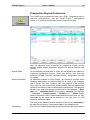
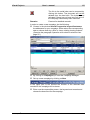
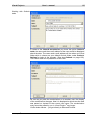
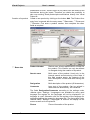
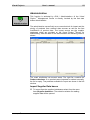
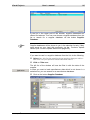
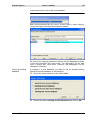
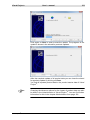
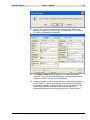
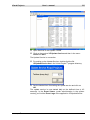
In the configuration assistant a graphical user interface is at your
disposal in which you can configurate your system. After the complete
configuration has been carried out, you can transfer the configuration
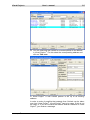
result to your Visual Project ®. For doing that change to the product
overview and press the button Take over. Further information about
using the configuration assistant will be found in the associated user
manual.
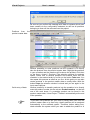
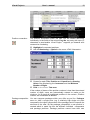
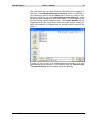
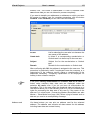
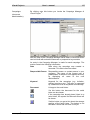
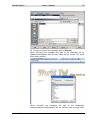
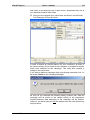
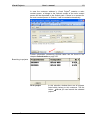
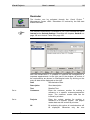
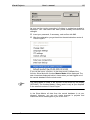
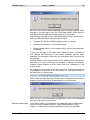
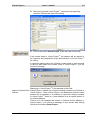
The positions will be automatically inserted into the quotation. With the
transfer the product numbers and quantities of the products will be
accepted into Visual Project ®. During the transfer Visual Project ® will
search the corresponding product in your product master data. If the
product is found all product data (texts, prices ...) will be updated
Visual Project ®
Revision 2013.12