1
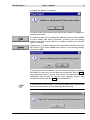
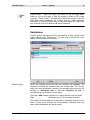
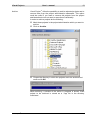
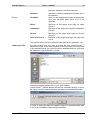
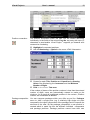
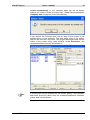
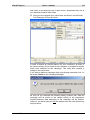
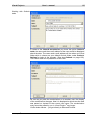
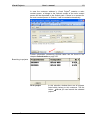
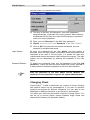
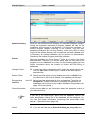
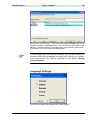
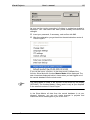
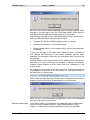
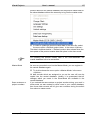
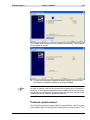
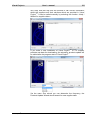
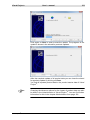
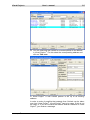
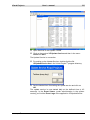
Visual Project ® User`s manual 189 As soon as Visual Project ® has set up the Access database the client selection window is displayed again. You can find the new client in the window. The designation for the new client is pre-set with „New client“. If necessary, you can change this designation. If several users work on one SQL database, only the first user has to choose the SQL Server database for setting up or taking over. All other users can link with the interface database via the option existing Access-Database. Language Settings Here you can select the language for Visual Project ®. Visual Project ® Revision 2013.12