1
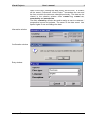
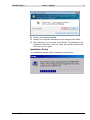
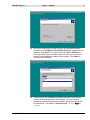
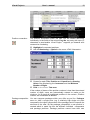
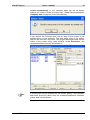
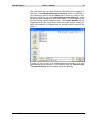
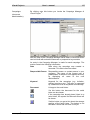
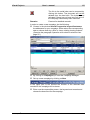
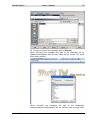
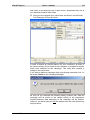
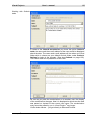
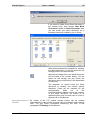
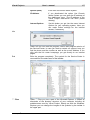
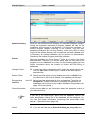
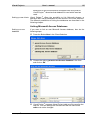
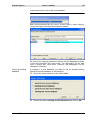
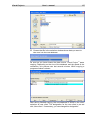
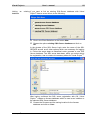
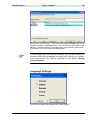
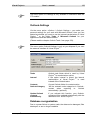
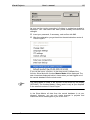
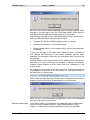
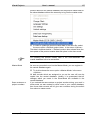
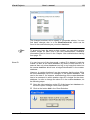
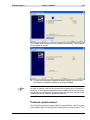
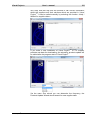
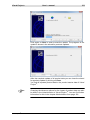
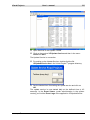
Visual Project ® User`s manual 228 Appendix D: Automatic update service for Visual Project ® Visual Project ® provides the possibility to use a Windows-Service for a time-controlled installation of program updates for Visual Project ®. Prerequisites: Visual Project ® has to be installed on the PC on which the Windows-Service for Updating is carried out. The PC, on which the Windows-Service for Updating is carried out, has to be switched on. The Service needs an active internet link. The update directory for Visual Project ® has to be accessible (writing access). Setup: In the download area on our website the file VPUpdateservice.zip will be found. Extract this file in your Visual Project ® program directory. In the Windows menu Start choose the function <Run>. Click on Browse. Visual Project ® Revision 2013.12