1
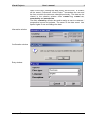
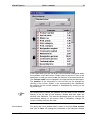
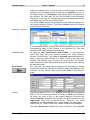
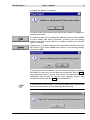
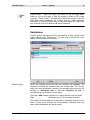
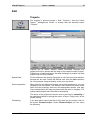
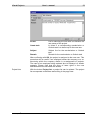
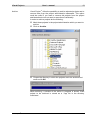
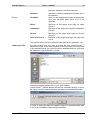
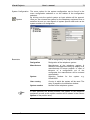
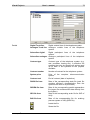
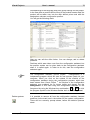
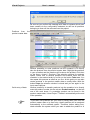
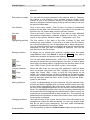
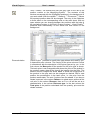
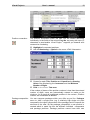
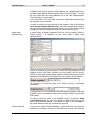
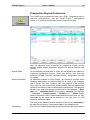
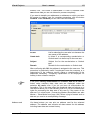
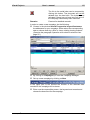
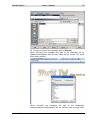
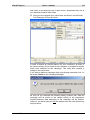
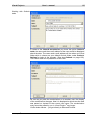
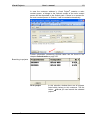
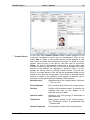
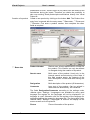
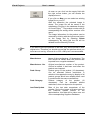
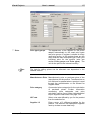
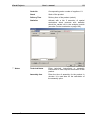
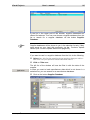
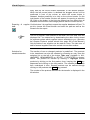
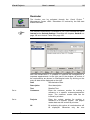
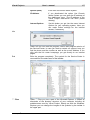
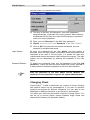
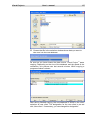
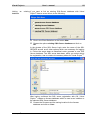
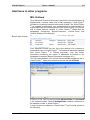
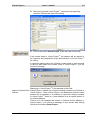
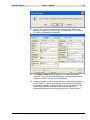
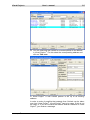
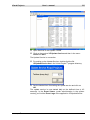
Visual Project ® User`s manual 129 Status In the input area Status the actual system inventory of the customer can be administered. Click on the button Add to select new system components of the customers or prospective buyers From the product line The selection window for products opens when the confirmatory question is answered “Yes”. One or several products can be extracted one after the other from the Visual Project ® Product master data into the Customer Library with the button Take over. Click on Close to end the extraction. Manual entry When the confirmatory question was answered with “No”, then a new data record is created and the fields are cleared. Enter data manually in all relevant fields. This type of entry is especially suited for components from outside systems whose products are not included or maintained in your own product line. Out of project (order) The third variation of status maintenance is the automatic extraction of products or orders of Visual Project ®. Please read the description of the function <Project / Inventory acceptance> in the section Project editing. Visual Project ® Revision 2013.12