1
Chapter 4: Web Management
4.4.6 Carbon Dioxide (CO2) Sensor
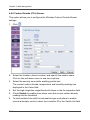
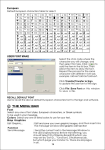
This option allows you to configure the Wireless Carbon Dioxide Sensor
settings.
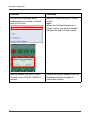
1. Click
.
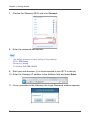
2. Select the location, device number, and specify the sensor name.
Click on the pull-down menu to see more options.
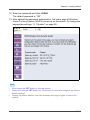
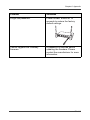
3. Select the security zone while enabling partial arm.
The current carbon dioxide, temperature and humidity readings are
displayed in the Value field.
4. Set the high range/low range/threshold values in the its respective field.
5. Check Enable to enable siren alarm once the current carbon dioxide
reading hits the threshold.
6. To bind multiple links with the automation-type controllers to enable
remote automatic control, select the controller ID in the Switch link field
EN-80