1
Chapter 4: Web Management
4.9 Security Zone
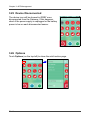
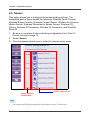
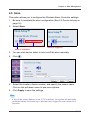
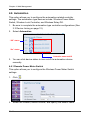
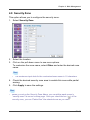
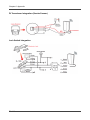
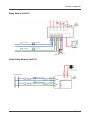
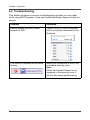
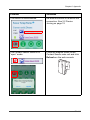
This option allows you to configure the security zone.
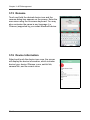
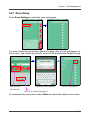
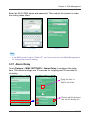
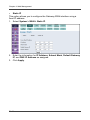
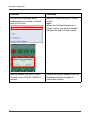
1. Select Security Zone.
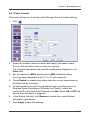
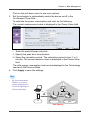
2. Select the location.
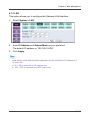
3. Click on the pull-down menu to see more options.
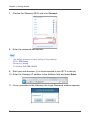
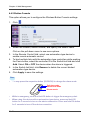
To customize the zone name, select Other and enter the desired zone
name.
Note
•
The maximum input data for the customized zone name is 10 characters.
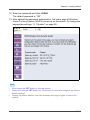
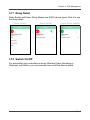
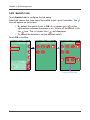
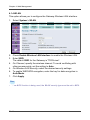
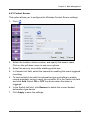
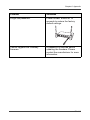
4. Check the desired security zone area to enable this zone while partial
arming.
5. Click Apply to save the settings.
Note
•
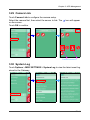
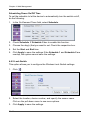
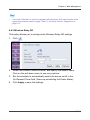
When you set up the Security Zone Name, you can define each sensor’s
“security zone” at sensor’s setup page. Once you check the box ( ) of the
security zone, you can “Partial Arm” the selected zone as you want.
EN-97